
Table of Contents
The update badge showed up in my dashboard right after the latest core release: WordPress 7.1, “Mary Lou.” My cursor hovered over the blue button, and then I did the one thing every Elementor site builder learns to do before jumping into a major core upgrade: I paused, checked my plugin compatibility headers, and set up a staging environment.
Major WordPress releases are exciting, but when your site relies on Elementor and third-party widget extensions like XPro Elementor Addons, core architectural shifts demand extra attention. With over 1,500 enhancements, performance overhauls, and new APIs, WordPress 7.1 brings significant modernizations. Below is a realistic look at what actually changes for your visual site-building workflow, where native features stand compared to custom widgets, and how to safely update without breaking your site.
Before You Hit WordPress 7.1 Update: the One Compatibility Thing to Check
Here is the detail most “what’s new in wordpress 7.1” summary posts skip. A plugin’s “Tested up to” header in the official WordPress repository and its real-world execution behavior tell two slightly different stories.
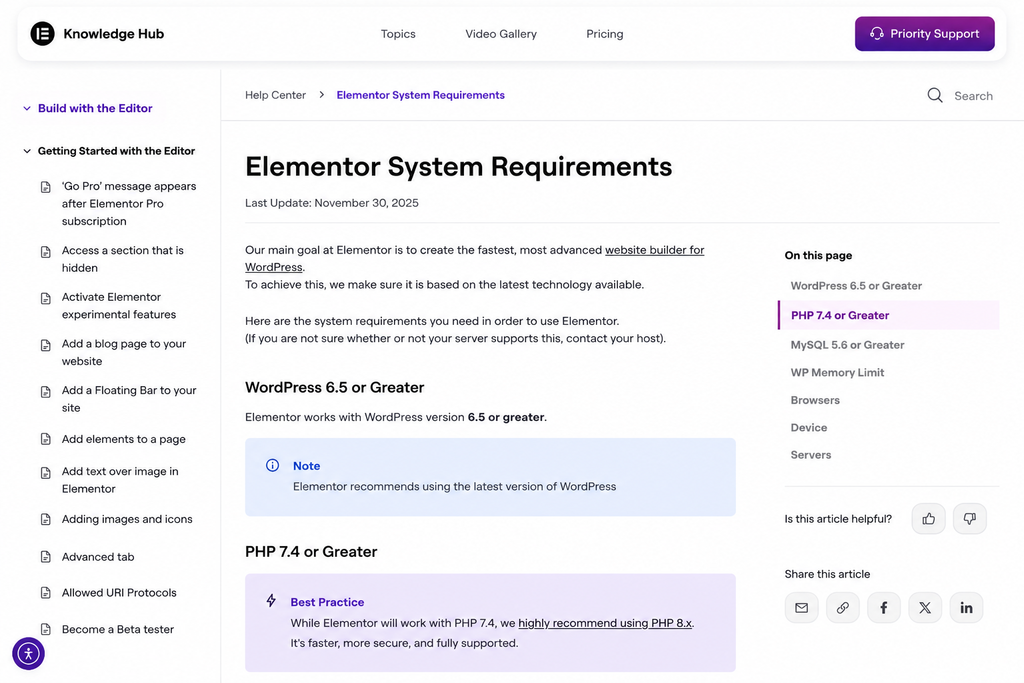
Checked live, standard core builder headers and extension suites show distinct version alignment:
| Plugin | Version | Tested up to | Requires WordPress |
| Elementor | 4.2.3 | WordPress 7.0.4 | 6.8 |
| XPro Elementor Addons | 1.4.25 | WordPress 7.1 | 6.0 |
When your extension layer declares explicit WP 7.1 compatibility while the underlying page builder header lists a previous minor version, updating directly on a live site presents unnecessary risk. Script optimization shifts in 7.1 can trigger temporary editor canvas freezes or REST API mismatches if cached stylesheets and script chains are not cleared immediately after updating.
Responsive Styling in Core vs Elementor’s Responsive Controls
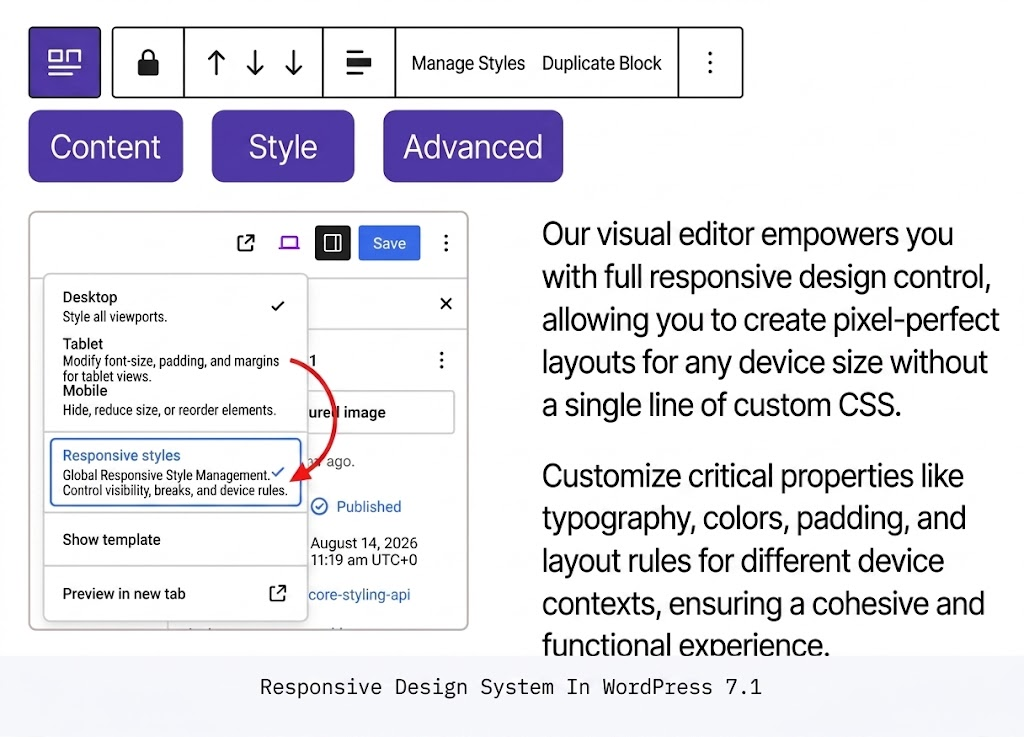
WordPress 7.1 narrows the gap with third-party visual builders by adding native screen-size responsive styling directly inside Global Styles and individual block settings. You can now adjust basic layout spacing and typography variations across device breakpoints without writing manual media query CSS snippets.
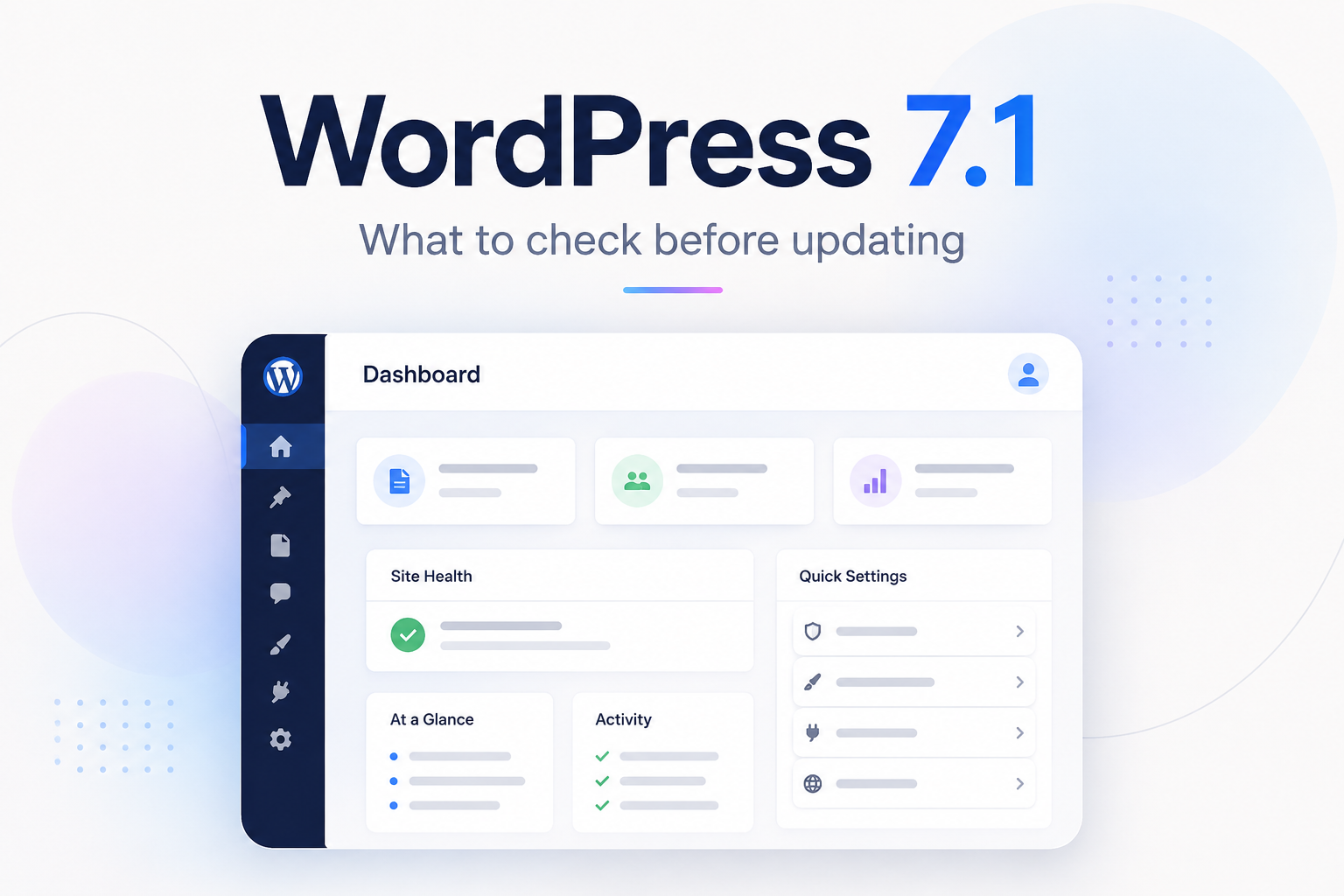
However, complex page builds still demand far more control than standard block breakpoints provide.
While core responsive features satisfy standard blog posts and minimal content pages, visual extensions like XPro Elementor Addons give site creators control over custom fluid breakpoints, relative units (calc(), vh), continuous scroll animations, and dynamic display conditions (such as hiding elements based on user roles or device types).
The New Core Tabs Block vs Elementor Tabs
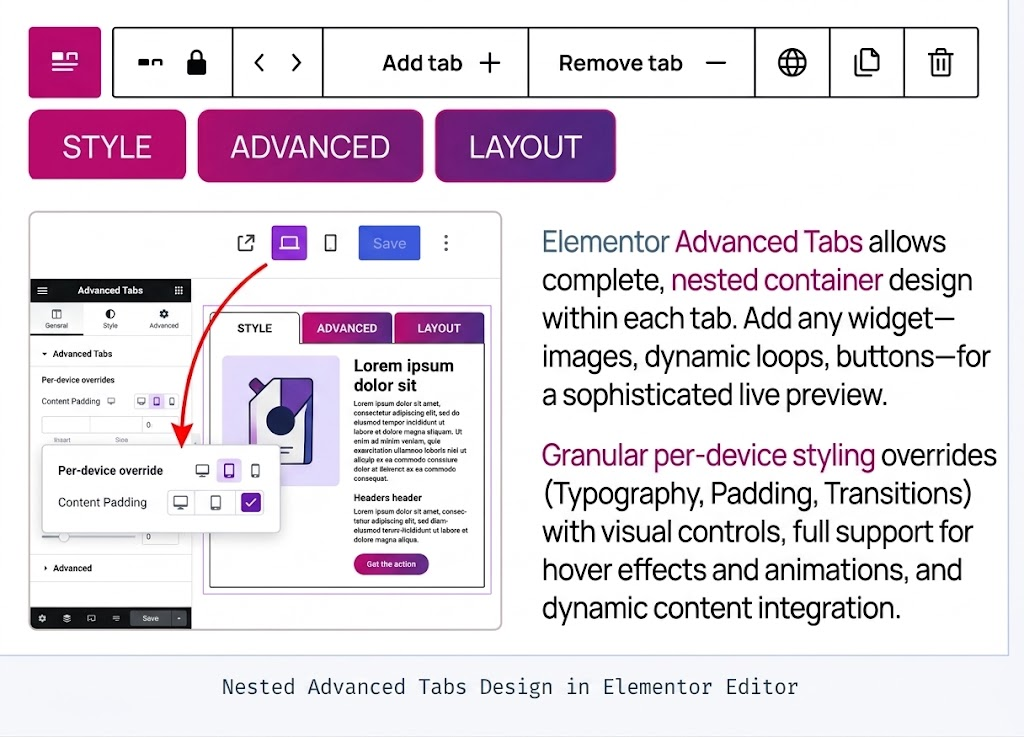
One of the headline block additions in WordPress 7.1 is the native Tabs block, giving core Gutenberg users an easy way to group content into tabbed interfaces without extra plugins. The native block works fine for basic text switching, but visual site builders require deeper flexibilities.
Using Elementor’s nested tab capabilities paired with XPro’s Advanced Tabs widget, developers can drop full template sections, dynamic ACF repeaters, interactive icon lists, and custom form controls inside individual tab panels, capabilities that remain out of reach for the native block editor.
The Media Overhaul: Faster, Sharper, Client-Side
WordPress 7.1 introduces a fundamental shift in how media uploads are handled by moving image compression and responsive image cropping to the client side before files hit the server.
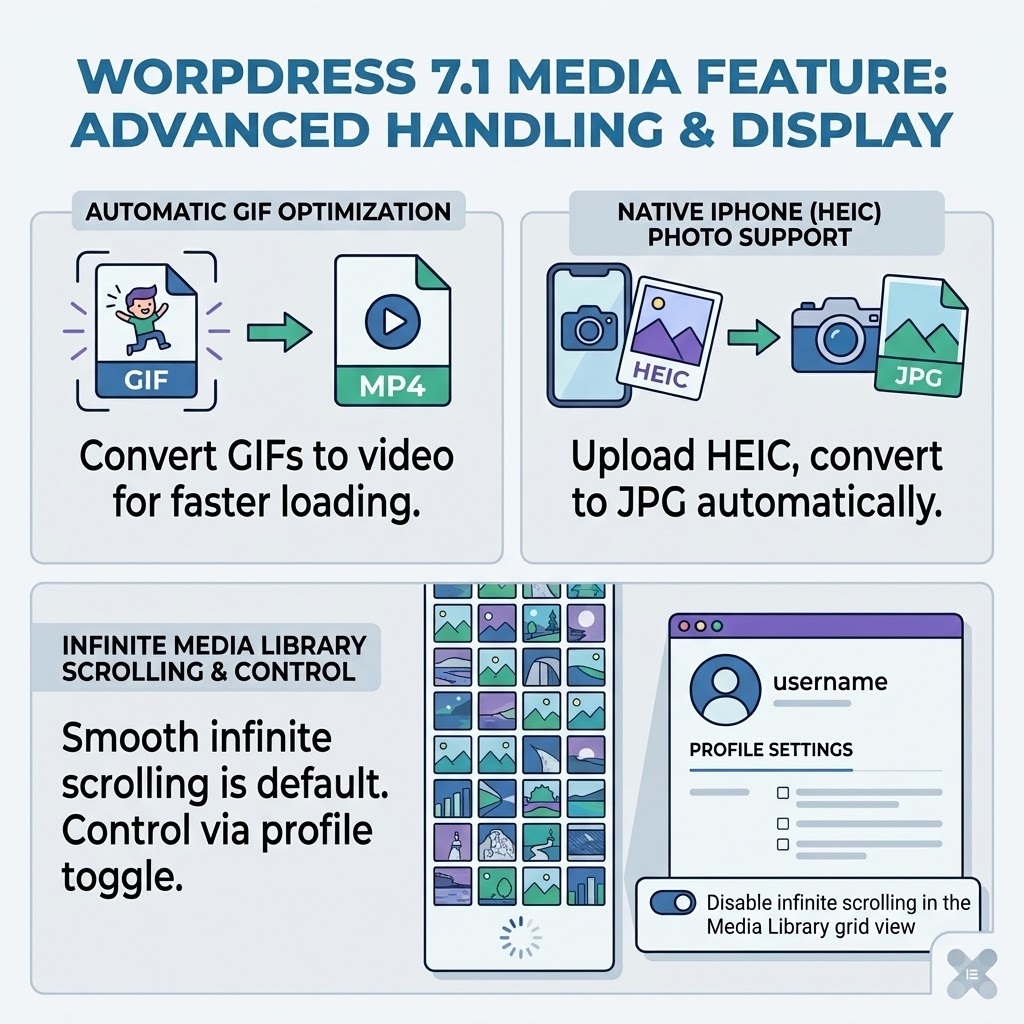
This client-side pre-processing yields major benefits for media-heavy page builder sites:
- Eliminated Server Timeouts: High-resolution hero images are downscaled in the browser, preventing HTTP 500 errors on shared hosting servers.
- Faster Canvas Rendering: Lighter image payloads accelerate the load time of image carousels, portfolio grids, and background overlays inside the Elementor editor canvas.
- Automated Alt Text Tagging: Integrated client-side hooks make media asset tagging faster and more reliable during content assembly.
Small Wins: the Persistent Admin Bar and Collaboration Notes
Beyond headline features, WordPress 7.1 includes several operational quality-of-life updates that streamline daily site management.
- Persistent Administration Top Bar: Keeps executive shortcuts, caching toggles, and edit links accessible seamlessly when switching between Site Editor screens and traditional dashboard panels.
- Inline Collaboration Notes: Enables editorial teams and agency clients to leave contextual comments and feedback markers directly on layout drafts.
- Modular Dashboard Cleanliness: Works alongside performance managers—such as XPro’s modular widget manager, to allow admins to disable unused scripts and keep dashboard load times low.
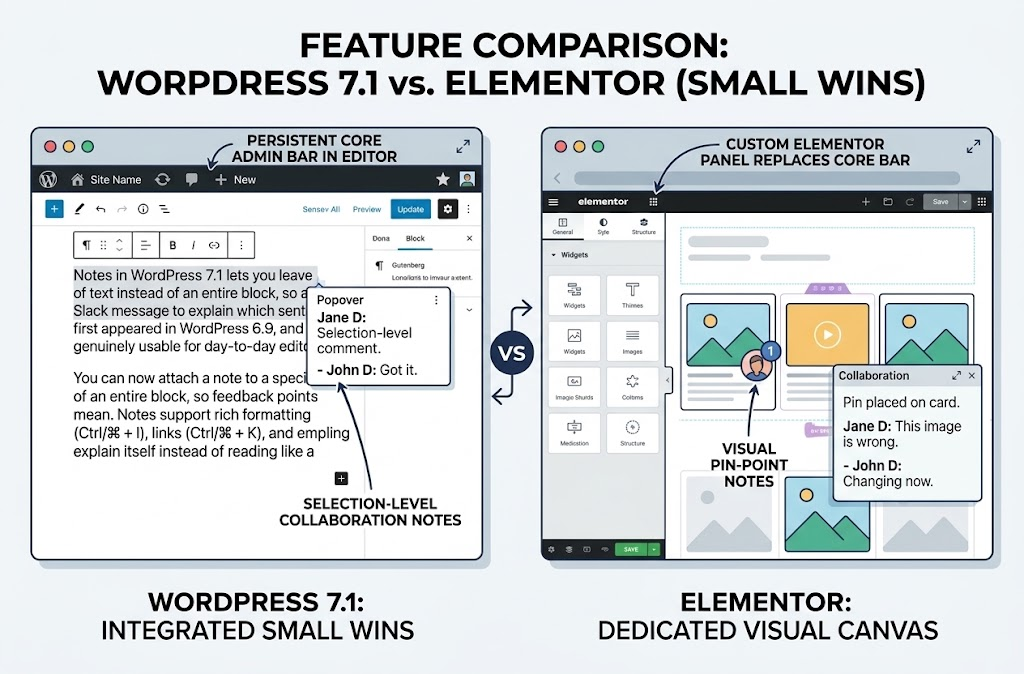
These minor refinements significantly reduce administrative friction when managing multi-author blogs or client sites built with custom widget suites.
The Abilities API Grew Up, and Why That Matters for Elementor Sites
The maturation of the Abilities API (wp_get_abilities()) in WordPress 7.1 establishes a standardized, filterable execution lifecycle for site capabilities. It provides a shared discovery pipeline that allows WordPress core to communicate site functionalities directly to external software agents and AI integrations.
For sites built with Elementor and XPro Addons, this API infrastructure ensures that custom widget schemas, dynamic data queries, and layout configurations are indexed cleanly by modern search bots, performance crawlers, and AI-driven site assistants.
Should You Update to WordPress 7.1 Right Now?
If your site is running a mission-critical business environment, an active WooCommerce store, or a complex client portal built with extensive visual add-ons, do not click update on day one on your live server.
Safe Staging Checklist:
- Create a Full Backup: Take server snapshots and database backups before initiating any update sequence.
- Setup Staging: Duplicate your production site to an isolated staging subdomain.
- Update Extensions First: Ensure Elementor, XPro Addons, and your active theme are updated to their latest versions before upgrading WordPress core.
- Upgrade Core to 7.1: Trigger the WordPress 7.1 core update within your staging environment.
- Flush All Caches: Go to Elementor > Tools and execute Regenerate Files & Data, then flush server-level caching layers (Redis, Varnish, Nginx).
- Perform Visual Audit: Open pages inside the Elementor editor canvas to confirm widgets drag, drop, save, and render correctly on the front end.
Where XPro Addons for Elementor Fits to WordPress 7.1 release?
Modular extension ecosystems like XPro Elementor Addons play a vital role in maintaining structural site stability during major core transitions. By delivering over 140+ dedicated widgets, theme builder extensions, and specialized display conditions, XPro acts as a lightweight design layer built to handle core API updates smoothly.
When core updates introduce new script handling rules, XPro’s modular asset controls allow developers to selectively enable or disable specific widgets. This prevents unnecessary script bloat, protects against PHP function deprecations, and keeps interactive elements, like dynamic portfolio grids, custom headers, and floating effects—operating reliably across major WordPress releases.
Suggested Reading
- WordPress 7.1 Field Guide: Official core documentation detailing REST endpoint modifications, script loader updates, and API additions. (Note: This links to the planned WordPress 7.1 roadmap; for general field guides and developer resources, see developer.wordpress.org).
- Elementor Developer Blog: Technical updates regarding core container optimizations, DOM structure changes, and release roadmaps.
- XPro Addons Documentation: In-depth guides covering widget configuration, performance optimization controls, and dynamic template building.
Wrapping Up
WordPress 7.1 “Mary Lou” is a solid step forward for performance, media handling, and future-proof API infrastructure. While core block editing continues to catch up with basic responsive and tabbed layout features, visual page builders paired with robust extension suites like XPro Addons remain indispensable for creating custom web experiences.
Always test your updates in staging first, regenerate your builder data files, clear server caches, and enjoy the speed and structural benefits of a fully optimized WordPress 7.1 site!

