




Pro Widget
Elementor Video Carousel Widget
Videos hold attention better than anything else on a page — until five of them stack into a wall of embeds that slows the page and buries the best one. The Xpro Video Carousel widget lines your videos up in a smooth, swipeable Elementor carousel: unlimited items, captions and descriptions per slide, hover effects that make the row feel alive, custom navigation icons, and control over every visual detail through Caption, Description, Nav, Dots, and Misc panels. One strip, every video, zero clutter.
Turn Your Videos Into a Scroll-Stopping Carousel
Drop the widget on any page, paste your video items, and pick how many show per view. Autoplay, loop, and transition controls live in the widget's advanced options — no add-on slider plugin, no custom code.
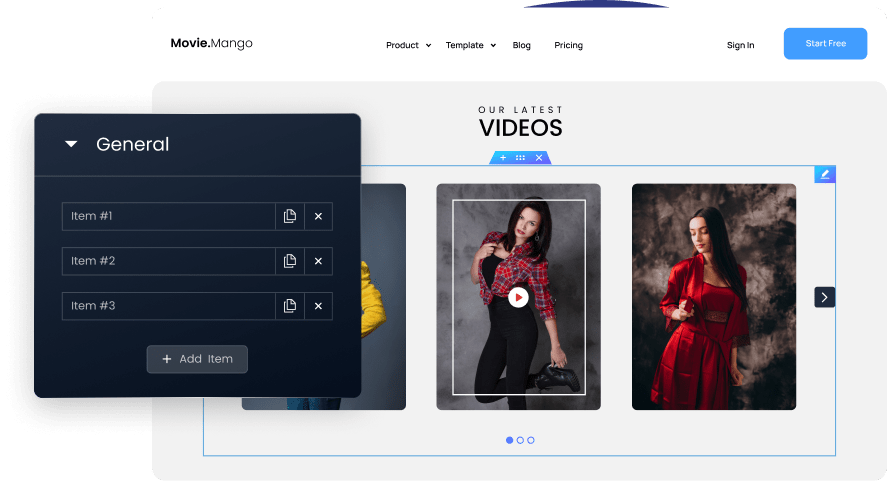
Add As Many Items As Required In The Carousel
The repeater has no cap — add a slide per project, per tutorial, per campaign with a single "Add Item" click. Give each slide its own caption and description so the row reads like a gallery, not a guess.
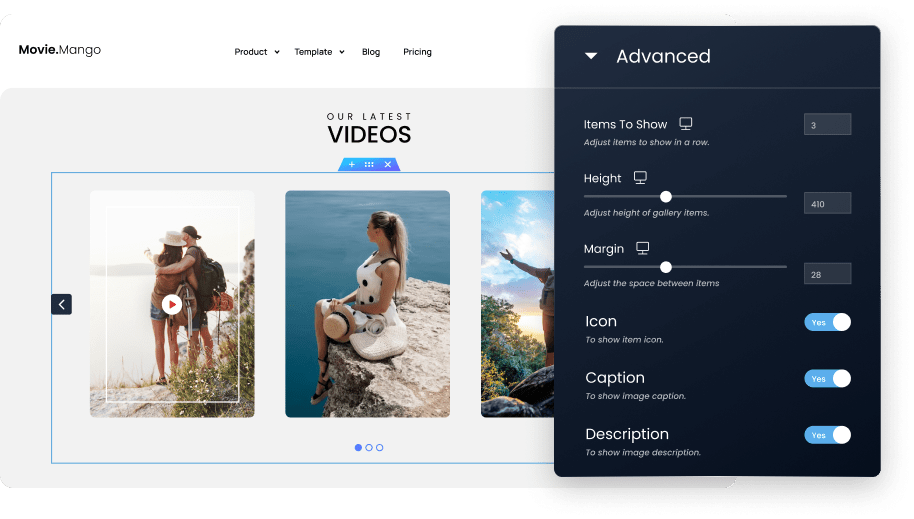
Complete Control Over The Row's Geometry
Control how many videos show at once, slide height, and spacing — then toggle the Icon, Caption, and Description layers per design. Dense teaser strip or single cinematic slide, seconds apart.
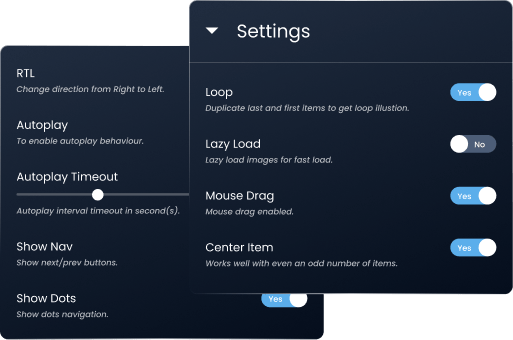
Go Beyond The Basics With Advanced Options
Beyond the basics: carousel behavior (autoplay speed, loop, slide count per view), responsive controls so the row adapts from desktop to mobile, and per-state styling for normal and hover modes.
Styled Down To The Last Pixel
Every part of the carousel — cards, captions, navigation, dots — styles independently: colors, typography, borders, and spacing, with dedicated hover variants so the row reacts under the cursor.
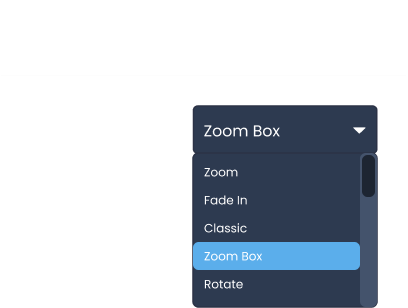
Our Hover Effects Will Make Your Video Carousel Stand Out
Hover styling is first-class, not an afterthought: swaps in effects and colors when a visitor points at a slide, so the carousel invites the click instead of waiting for it.
Seafood Platter Recipe
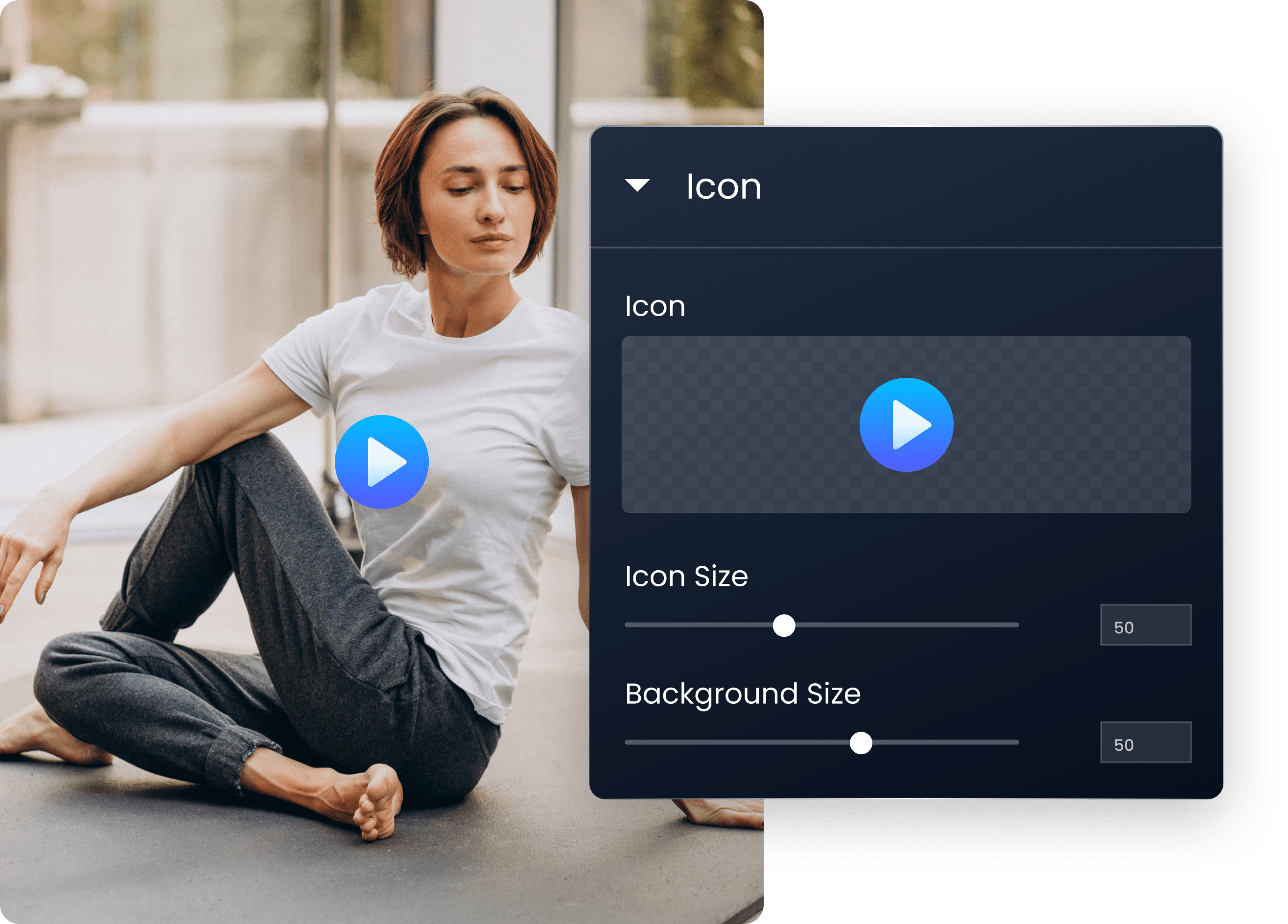
Upload Your Icons And Customize With Options Available
Don't like the default arrows? Upload your own navigation icons, then size, color, and position them — with separate hover colors — so navigation matches your brand instead of the plugin's.
-
Choose From Icon Library Or Upload Yours.
-
Customize Icon Size And Background Size.
-
Customize Normal / Hover States Of Icon.
-
Adjust Icon’s And Background’s Colors.
Add Other Elements To Your Video Carousel To Make It More Interactive
-
Caption
Per-slide caption text with full typography and color control.
-
Description
A short second line under the caption — context without a click.
-
Nav
Arrows: custom icons, size, position, normal and hover colors.
-
Dots
Progress dots that show where the row has been, styled to match.
-
Misc
The finishing layer — spacing, borders, and radius for the whole carousel.
Exercise Class With John
Explore Our Other Cool Widgets
Take your website to the next level using XPro’s powerful widgets.
Have Any Doubt?
Frequently Asked Questions
What is the Elementor Video Carousel widget?
A Pro widget in Xpro Elementor Addons that displays multiple videos as a swipeable carousel — with per-slide captions, descriptions, and full styling for cards, arrows, and dots.
Can I control how many videos show at once?
Yes. You set how many items display per view, plus the behavior controls — autoplay, loop, and transition — in the widget's settings, with responsive control for mobile.
Can I replace the default navigation arrows with my own icons?
Yes. The Nav panel accepts custom uploaded icons, with size, position, and separate normal/hover color controls.
Is the Video Carousel widget free?
No — it ships with Xpro Elementor Addons Pro plans. Enable it from the Xpro Addons dashboard (Widgets tab), then drag it into any Elementor page.
Our Blogs
Discover The Latest From Xpro Elementor Blogs
12+ ways to Boost Conversion using Elementor Modal Popup
Introduction: Pop-ups can be frustrating, especially when they appear unexpectedly during our online browsing or while reading an article. Just as we’re engaged in...
Read More