Build Modern Stacked Images Elementor Layouts Without Code
While traditional layouts are often rigid, XPro offers the creative freedom to design Layered Image Layouts that match your brand's aesthetic perfectly. You can choose from four distinct Group Layout Styles to create the exact look you need:
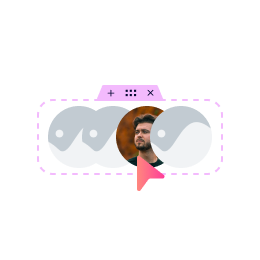
Create a stacked effect with adjustable spacing.
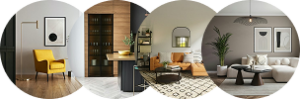
Organize your media in a clean, structured, and professional format.
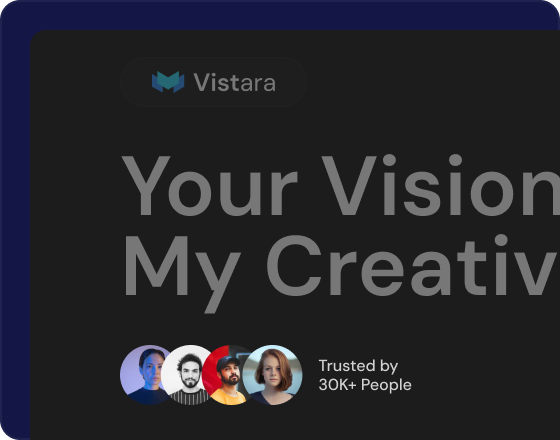
Perfect for showcasing social proof and brand logos in a seamless row.
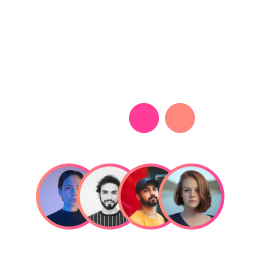
Group team members or icons in an eye-catching circular stack.
Using Stacked Images Elementor layouts isn't just about style—it's about performance and user experience. Neatly presenting bite-sized content prevents pages from feeling cluttered, which improves readability and ensures key information is easy to access.
Support for gradient borders, box shadows, and responsive alignment.
User-Friendly Interface
Easy drag-and-drop functionality for beginners and pros alike.
Have Any Doubt?
Frequently Asked Questions
What is the Image Stack Group widget?
A Pro widget in Xpro Elementor Addons that layers multiple images into stacked, fanned, or circular arrangements — with hover effects, tooltips, and full styling controls.
Can I use it for team photos or logos?
Yes — that's its bread and butter: group team members, brand logos, or icons into a compact stack that expands or animates on hover, saving a full row of space.
Does it support tooltips?
Yes. Each stacked item can carry a tooltip with dynamic positioning and full customization of its style.
Is the Image Stack Group widget free?
No — it's included in Xpro Elementor Addons Pro. Enable it from the Xpro Addons dashboard's Widgets tab, then drag it into any Elementor page.