Pro Widget
WooCommerce Product Carousel Widget for Elementor
Turn your WooCommerce catalog into a smooth, swipeable product carousel — 10 layouts, quick view popups, sale and featured badges, and full control over what shows. Powered by XPro Pro, styled entirely inside Elementor.
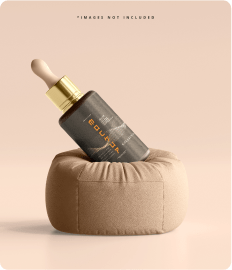
Cosmetics
Moisturizer Collection
Lorem ipsum dor sit amet, coec adipi elit. Lorem.
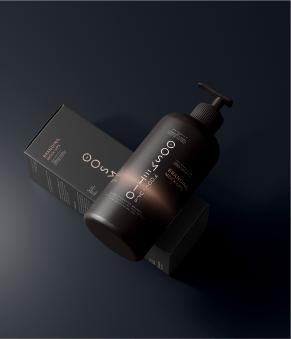
Dior
Whipped mousse foundation
Lorem ipsum dor sit amet, coec adipi elit. Lorem.
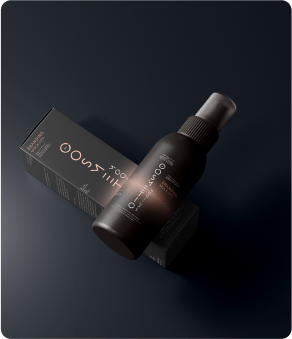
Dior
Anti Fatigue Foundation
Lorem ipsum dor sit amet, coec adipi elit. Lorem.

Present Your Products the Way Shoppers Actually Browse
A static product grid asks visitors to scroll. A carousel invites them to swipe, hover, and peek inside — with navigation arrows and a quick view popup, shoppers move forward and back through your catalog without ever leaving the page.
Here's the widget live with sample products:
Dior
Anti Fatigue Foundation
Lorem ipsum dor sit amet, coec adipi elit. Lorem.
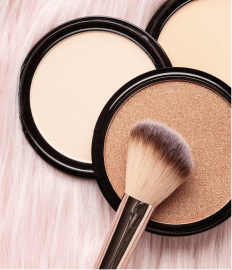
Dior
Whipped mousse foundation
Lorem ipsum dor sit amet, coec adipi elit. Lorem.
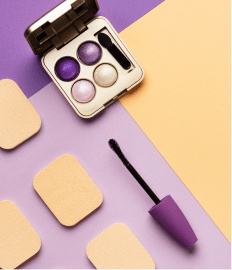
Cosmetics
Moisturizer Collection
Lorem ipsum dor sit amet, coec adipi elit. Lorem.
Dior
Clean Line Liquid Eyeliner
Lorem ipsum dor sit amet, coec adipi elit. Lorem.
L’Oreal
Match Pressed Powder Foundation
Lorem ipsum dor sit amet, coec adipi elit. Lorem.
Clarins
Tip Eyeliner Intense Black
Lorem ipsum dor sit amet, coec adipi elit Lorem.
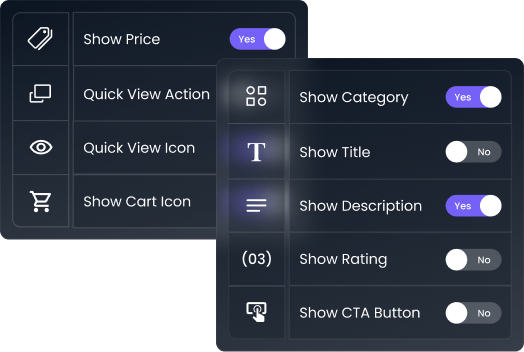
Every Element On or Off, Your Call
Category, title, description, rating, price, cart button, CTA — toggle each element independently on every card. Your catalog, your density.
Ten Layouts, One Widget
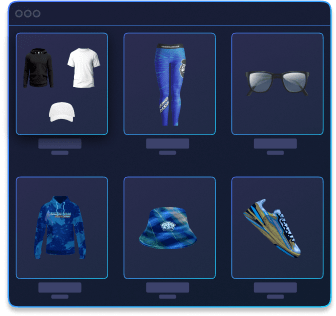
Start from any of ten layout styles for the product cards, then tune the image size and content blocks per layout. Different sections of your store can run different layouts — featured products up top, related items below, none of them matching, all of them one widget.
Control the Row — Items, Spacing, and Motion
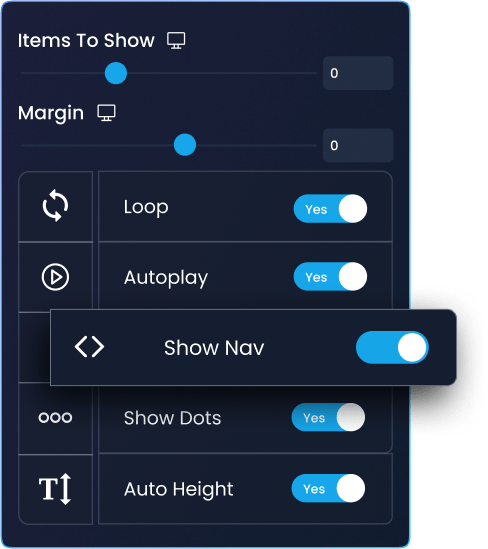
Set how many products show per row, adjust the margin between them, and choose the motion: autoplay, infinite loop, navigation arrows, position dots, and auto-height so every card sits clean no matter the content length.
Quick View: Let Shoppers Peek Without Leaving the Page
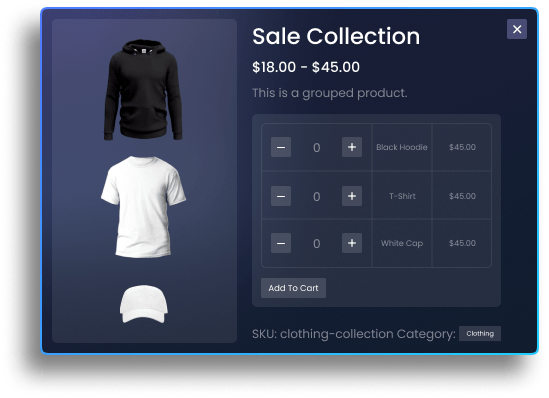
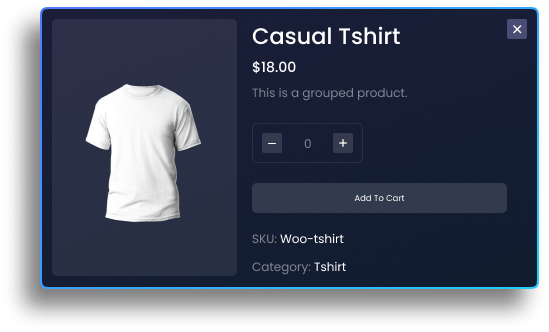
Enable the action area and every card gets a quick view popup — four layout options for the popup itself, plus entrance animations to make it feel instant. Faster looks mean fewer exits before purchase.
Badges That Do Their Job
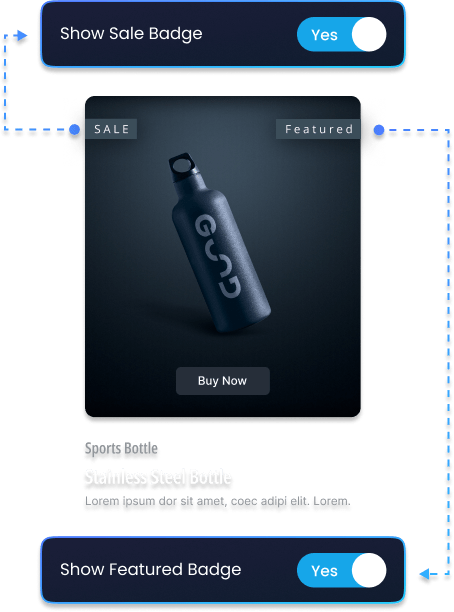
Turn on sale and featured badges, style them square or circle, and show text or percentage. A 30%-off circle badge on a carousel card is the cheapest conversion lift in e-commerce.
-
Customize Style.
-
Customize Typography.
-
Customize Colors.
-
Customize Background Type.
-
And Many More Options.
Choose Exactly Which Products Rotate
Pull from your latest products with full query control — filter by author, category, or excluded products — or pick products manually, or bind the source dynamically. The right four products beat the latest four.
Dior
Whipped mousse foundation
Lorem ipsum dor sit amet, coec adipi elit. Lorem.

Style Every Corner — Cards, Arrows, Popups
Each part of the widget styles from its own section — typography, colors, borders, and spacing for cards, navigation, and the quick view box. No custom CSS, no child theme.
-
Customize Style.
-
Customize Typography.
-
Customize Colors.
-
Customize Background Type.
-
And Many More Options.
Drop It Anywhere — Header Deals, Footer Cross-Sells, Landing Pages
The carousel is a standard Elementor widget: place it in hero rows, category page headers, or footer cross-sell strips, and it inherits your responsive settings like everything else you've built.
Frequently Asked Questions
Is the Product Carousel widget free?
No — the Woo Product Carousel is part of XPro Pro, our premium addon suite. It needs both the free WooCommerce plugin and XPro Pro installed and active.
What's the difference between Product Carousel and Product Grid?
Both display WooCommerce products in Elementor. The carousel adds motion and navigation — forward/back arrows, autoplay, loop, and a quick view popup — while the Product Grid lays products out as a static grid.
Can I choose which products appear in the carousel?
Yes. You can pull the latest products with query filters (author, category, exclusions), hand-pick specific products with the manual source, or bind a dynamic source.
Does the quick view popup need extra plugins?
No. Quick view is built into the widget — enable it from the action settings, pick one of four popup layouts, and add an entrance animation. Nothing else to install.