

Xpro Addons

Free Elementor Theme Builder

Free Elementor Theme Builder: Design Your Header, Footer, Archives and More

A free Elementor theme builder for headers, footers, single posts, archives, search & 404 pages — designed by drag-and-drop, assigned with display conditions. No Elementor Pro. No code.

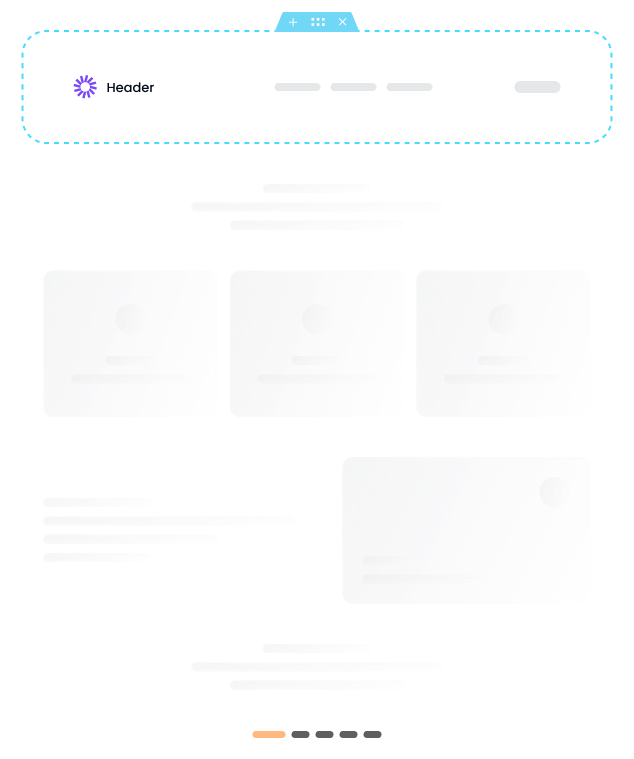
Free Elementor theme builder designing a header, footer and archive template
Xpro theme builder drag-and-drop editing animation

Is Elementor Theme Builder Free? 

  • Yes — the Xpro Theme Builder is a free plugin, and it covers headers, footers, single posts, archives, search, & 404 pages.

  • Elementor's own theme builder is paid: it ships inside Elementor Pro. That's why "free Elementor theme builder" usually means a standalone plugin like this one.

  • Header and Footer Builder 
  • Archive Templates 
  • Display Conditions and User Role Rules 
  • 404 Page Templates
  • Mobile responsive layouts
  • Single Post and Page Templates  
  • Search Results Templates  
  • WooCommerce Product and Shop Templates  
  • Sticky Header Support 

All of this works with the free version of Elementor. No Elementor Pro. No hidden fees.

Xpro vs Elementor Pro Free Theme Builder Comparison

Compare Features
XPro Theme Builder
Elementor Pro
Header Builder
FREE 
PAID
Footer Builder
FREE 
PAID
Single Post Templates 
FREE 
PAID
Single Page Templates
FREE 
PAID
Archive Templates
FREE 
PAID
Search Results Templates
FREE 
PAID
404 Page Templates
FREE 
PAID
WooCommerce Templates
FREE 
PAID
Display Conditions
FREE 
PAID
User Role Rules
FREE 
PAID
Sticky Header
FREE 
PAID
Mobile Responsive
FREE 
PAID
Price
$0
$49/year

Xpro Elementor Theme Builder Helps You Customize Websites in Hours Instead of Days

Our free theme builder for Elementor lets you customize each part of your theme with front-end editing and no shortcode hassle. You see exactly what your visitors will see as you design — no guessing, no preview mode, no code. 

Whether you're a website designer building client sites or a DIY site owner creating your first blog posts layout, Xpro makes the process user friendly and fast. Most users go from installation to a fully custom header, footer, and single post template in under an hour. 

What used to take days of custom CSS and PHP now takes hours with visual editing. 

Works with Any WordPress Theme — Tested on the Fast Ones

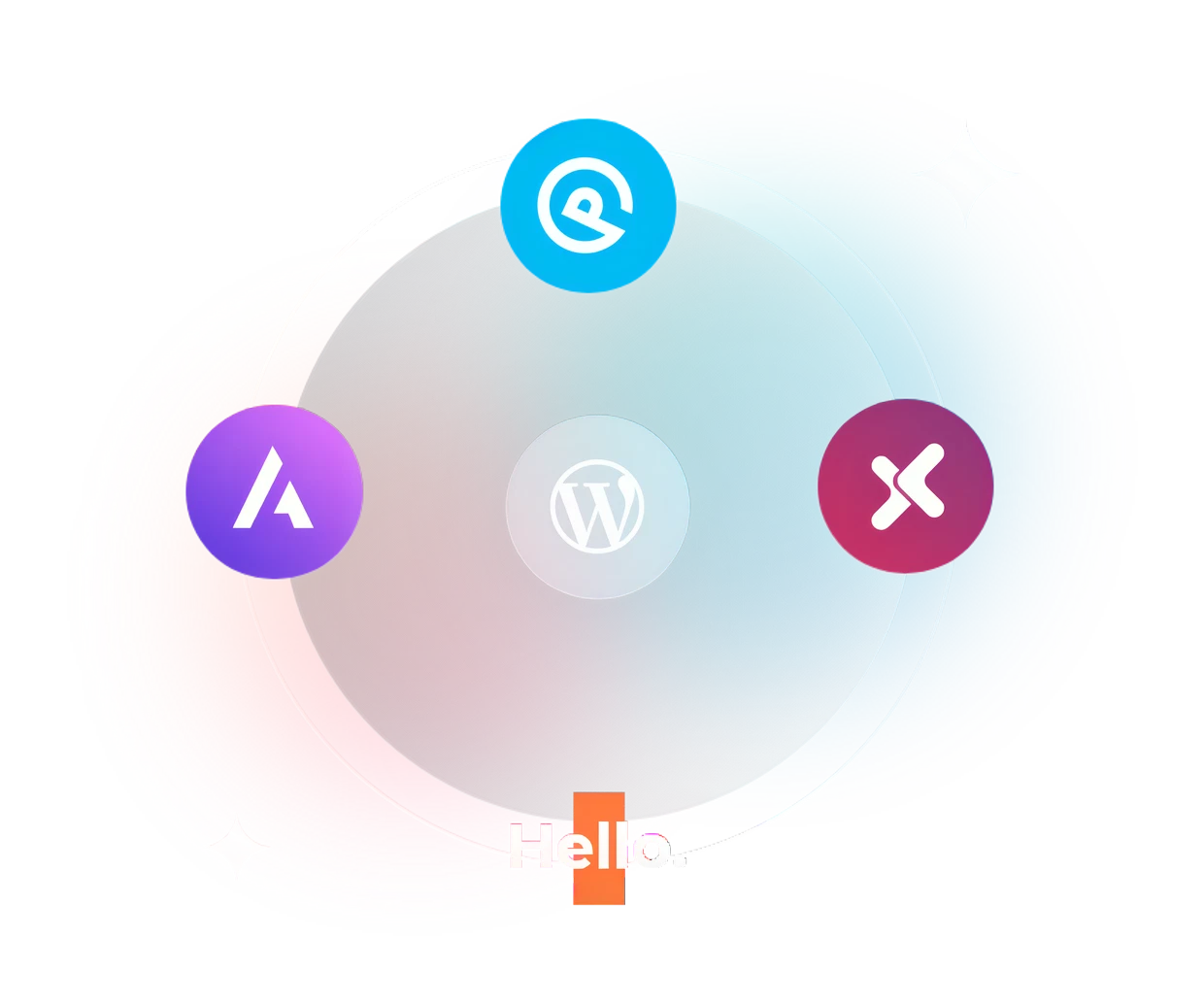
Our FREE WordPress theme builder for Elementor is compatible with all popular themes.

The free theme builder for Elementor works with both the free and paid versions of the aforementioned themes. More compatible themes are constantly being added to our pipeline. 

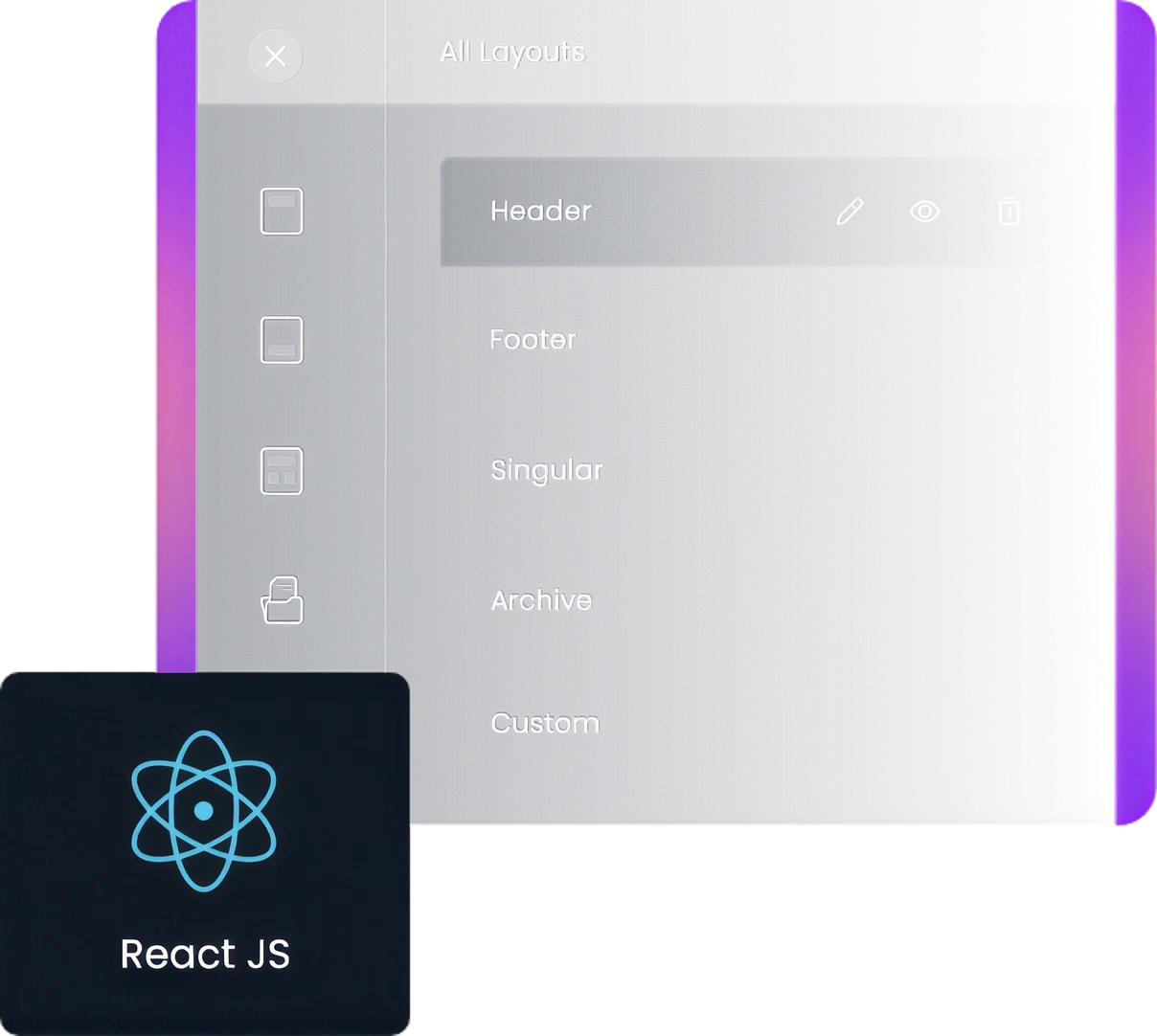
A Template Dashboard Built on React

A React-based dashboard for managing every template, condition, and import/export operation without page reloads.

  • Instant loading of template lists 
  • Real-time search and filtering 
  • Drag-and-drop template management 
  • No page reloads when switching between templates 
  • It's the fastest way to build from idea to live site. 

Unique Features Built Into the Theme Builder

Take a deep dive into each site part and customize it using the live dashboard of our free theme builder for Elementor. It's surprisingly easy and time-saving. 

Theme builder display conditions and user role settings

User Roles

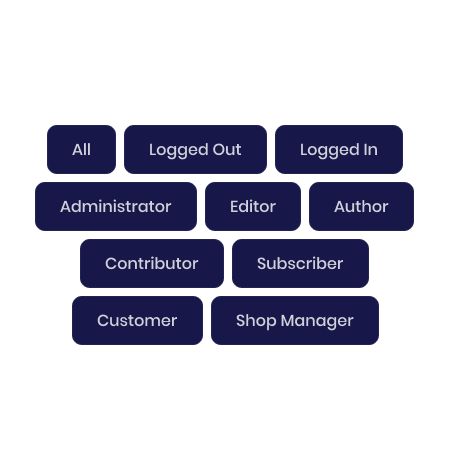
Show different headers to admins, logged-in users, or guests — each role can get its own template.

Location Conditions

Assign any template to specific pages, post types, archives, or the whole site using Elementor-style display conditions.

Sticky Header

Turn your header sticky in one toggle — it stays in view while scrolling, on desktop and mobile.

Custom Blocks

Design any section as a custom block template and insert it anywhere with Elementor's shortcode/template widget.

Start From Ready-Made Header and Footer Designs 

Import all header, footer, singular, 404 page, and WooCommerce page templates with simply one click. Our elementor theme builder templates library includes: 

  • 20+ header designs 
  • 15+ footer designs 
  • 10+ single post layouts  
  • 8+ archive layouts 
  • 5+ 404 page designs  
  • 10+ WooCommerce templates   

All templates are fully customizable and mobile responsive.

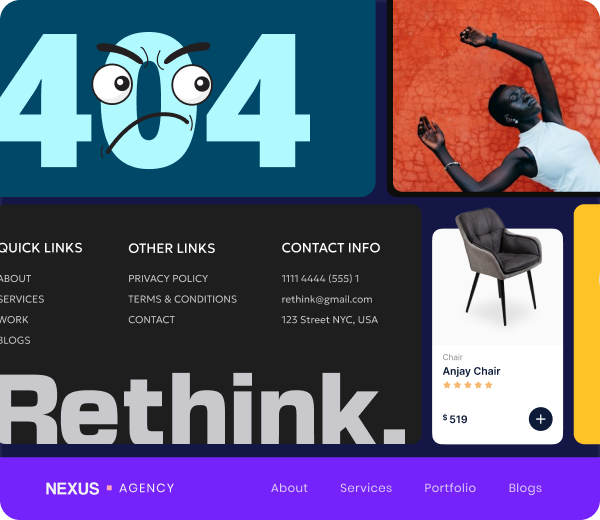
Ready-made header and footer templates in the Xpro library

Trusted By 40000+ Customers

Our Customers Speak for Us!

See why 40,000+ customers love us! Their reviews highlight our dedication to providing top-notch service. Read their stories to see why they choose us.

Go Pro for Unlimited Sites & Premium Support

Try Our Paid Version with 14 Days Money Back Guarantee

Edit Content

FREE

$ 0

Good for a Full Website

Free Forever

Starter

$ 29

per site / billed once a year

Perfect for Individuals & Startups

Business

$ 179

for unlimited sites / billed once a year

Perfect for Growing Agencies

Professional

$ 87

per 5 websites / billed once a year

Suitable for Developers & Businesses

Edit Content

FREE

$ 0

Good for a Full Webiste

Free Forever

Starter

$ 59

1 Website / One Time Payment

Perfect for Individuals & Startups

Business

$ 579

Unlimited Sites / One Time Payment

Perfect for Growing Agencies

Professional

$ 187

10 websites / One Time Payment

Suitable for Developers & Businesses

Have Any Doubt?

Frequently Asked Questions

Is Xpro Elementor Theme Builder Free?

Yes. it is free and covers headers, footers, single posts, archives, search, 404 pages, and WooCommerce pages.

Does Elementor have a free theme builder?

No. Elementor's theme builder is part of Elementor Pro, which is paid. Xpro Theme Builder is a free alternative that works with the free Elementor plugin.

Do I need Elementor Pro to use it?

No. You need Elementor (free) and the Xpro Theme Builder plugin. It also works if you already have Elementor Pro.

Do I need Elementor installed?

Yes. It's an addon for Elementor, so Elementor must be installed and active. Setup steps are in the installation guide.


Which themes does it work with?

Hello, Xpro, GeneratePress, and Astra, in both free and paid versions.

Can We Create A Mobile Responsive Header/Footer Using This Plugin?

Yes, you can easily create a mobile responsive layout for your header or footer using the best theme builder for Elementor. Check our tutorial for creating a custom header.

What Are The Recommended PHP Server Settings For Theme Builder?

We have listed down all requirements to help you smoothly set up and use our plugins. Check the Theme Builder documentation for setup and server requirements.

Can I design WooCommerce product pages?

Yes. Use Woo Product Title, Woo Product Price, Add To Cart, and other WooCommerce widgets to build product pages. We offer 7+ basic WooCommerce widgets for free.

Can I make a sticky header?

Yes. Turn on the sticky option in the header settings.

What Is The Difference Between Xpro Elementor Theme Builder And Elementor Pro?

Xpro Theme Builder is a free plugin for designing theme parts: headers, footers, single posts, archives, search, 404 pages, and WooCommerce pages. Elementor's theme builder is part of Elementor Pro, which is paid. If you also want more widgets and effects, see the Xpro Elementor Pro features.

I am still unable to figure out the installation process?

Follow the Theme Builder installation guide. If it still fails, contact support.

Download 150+ Addons & Start Creating Amazing Websites

40,000+ Happy Customers, Happy Agencies, Happy Freelancers Build Beautiful Websites Using Xpro Elementor Addons