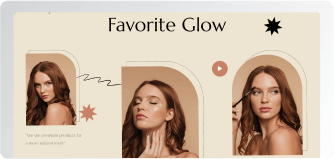
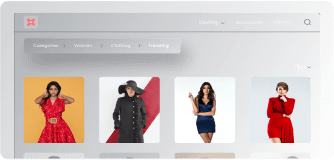
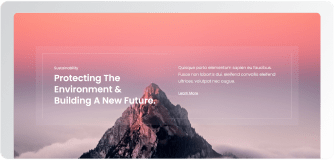
Add an infinite, smooth-scrolling image loop to any page — horizontal or vertical, in any direction, at whatever speed you set. Drop in logos, portfolio shots, or product banners and keep the page quietly moving. Powered by XPro Pro, styled entirely inside Elementor.
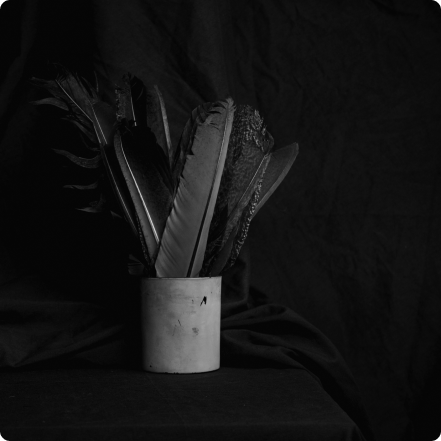
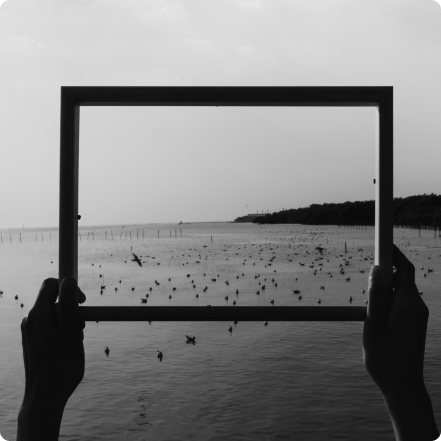
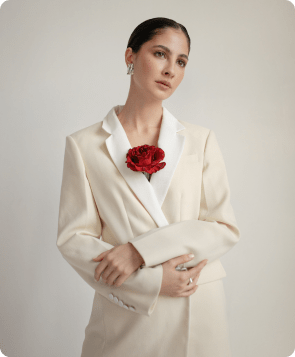
A gallery just sits there. A marquee keeps moving — pulling the eye along the strip and making a page feel alive without a single click. Here's the widget live with sample images:
Unlimited Images, One Endless Loop
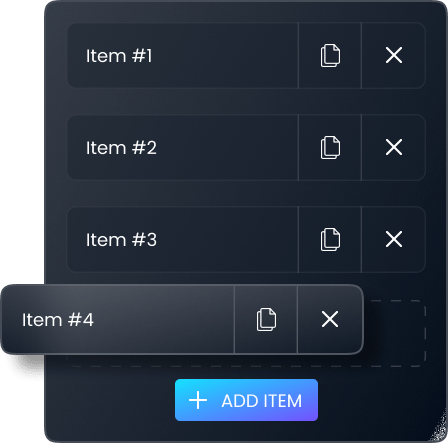
Add items until the strip feels right — there's no cap. Each item is just an image pick and a size choice, then the widget handles the seamless loop so the scroll never shows a seam.
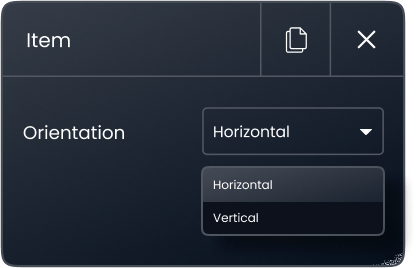
Horizontal or Vertical — Any of Four Directions
Run the strip across the page or down a column: left-to-right or right-to-left horizontally, upward or downward vertically.
Tune the Motion — Gap and Speed
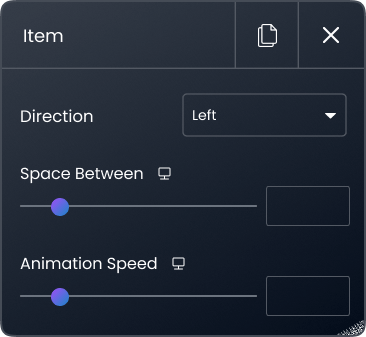
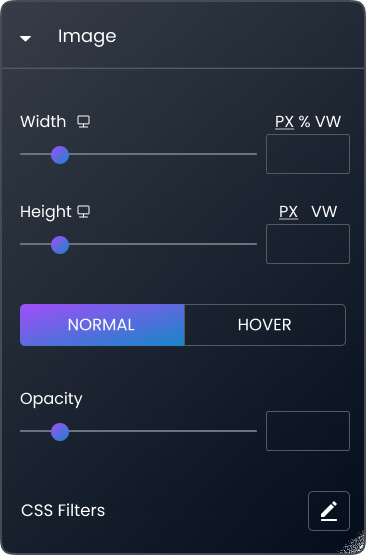
Dial the breathing room between images with Space Between, and set loop speed to match the section's role — slow for ambient texture, faster for a deals ticker. Widget width and height are fully adjustable, too.
Design a Second State: Hover Filters & Opacity
Every image can look different the moment a cursor touches it. Opacity plus five CSS filters — blur, brightness, contrast, saturation, hue — are set separately for normal and hover states. The strip dims at rest and sharpens under the mouse, no code involved.
Logo Walls, Portfolio Strips, Store Banners
This is where marquees earn their keep: client-logo strips under a hero, portfolio highlights on a about page, category or deal banners across a WooCommerce home. Standard Elementor widget — it drops anywhere a widget drops. Pair it with the Promo Box widget to point the motion at a conversion.
Frame It — Borders, Radius, Shadows
Five border styles (solid, double, dotted, dashed, groove) with full width, radius, and color control, plus a complete box-shadow panel — horizontal, vertical, blur, spread. Soft-shadow rounded strips or crisp outlined grids, your call.
Have Any Doubt?
Frequently Asked Questions
Is the Image Marquee widget free?
No — Image Marquee is part of XPro Pro, our premium addon suite. It needs both Elementor and XPro Addons Pro active.
Horizontal or vertical — does orientation matter?
For full-width sections like logo strips, horizontal reads naturally left-to-right. Vertical suits side columns and mobile-first layouts where width is tight. Both directions run in either orientation.
Will an image marquee slow my page down?
The animation itself is lightweight — what matters is the images. Compress and size them properly (WebP, correct dimensions) and a marquee costs about the same as any image row.
Can I use it for client logos?
Yes — logo strips are the classic use. Upload transparent PNGs, keep a consistent height, and run a slow horizontal loop under your hero or above the footer.