Pro Widget
Pie & Donut Chart Widget for Elementor
The most customizable chart widget for Elementor. Take full control of your data’s look, feel, and flow with professional-grade design settings.
Why Xpro's Pie Chart Widget for Elementor Outperform the Rest
Don’t settle for rigid, basic graphs. The XPro Pie & Donut Chart widget is built for designers who need pixel-perfect precision.
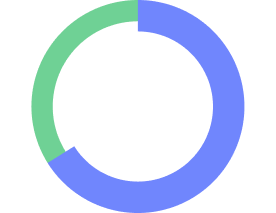
Cutout & Radius Control
Set the hole size and overall radius of your chart, so a doughnut can be a thin ring or a bold, chunky one.
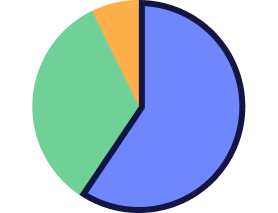
Arc Spacing (pixels)
A fixed pixel offset between every arc, for a clean exploded look or a tight, minimal ring.
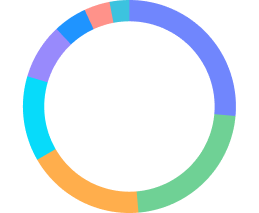
Unlimited Segments
Add as many data segments as you need, each with its own label and value.
Key Features of Donut Chart Widget
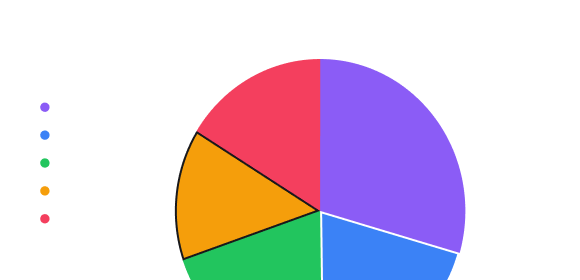
Per-Segment Style Control
Set Background Color, Background Hover Color, Border Color, Border Width, and Border Hover Color individually — every segment can look exactly the way your layout needs.

Granular Hover Effects
Hover Offset and Offset (pixels) let a segment lift or shift on hover, so your chart responds to the visitor instead of sitting flat.

Built-In Animation Controls
Turn on Animate Rotation and Animate Scale independently — Animate Scale grows the chart from the center outward, Animate Rotation spins it in. Set your own Animation Duration (ms) to control the pace.

Eight Easing Styles
Choose the motion curve that fits your brand: Linear, Ease In Cubic, Ease Out Cubic, Ease In Out Cubic, Ease In Circ, Ease Out Circ, Ease In Bounce, or Ease Out Bounce.
Why This Elementor Chart Plugin Is Different
How This Elementor Chart Widget Compares to Others
|
Compare Features
|
Our Plugin
|
Others
|
|---|---|---|
|
Chart Type Switch (Pie / Doughnut)
|
Yes
|
Often
|
|
Cutout (Hole Size) Control
|
Yes
|
Rare
|
|
Radius Control
|
Yes
|
Yes
|
|
Arc Spacing (Pixels)
|
Yes
|
Rare
|
|
Per-segment Hover Offset + Pixel Offset
|
Yes
|
Rare
|
|
Animate Rotation + Scale (Independent Toggles)
|
Yes
|
Basic On/Off Only
|
|
8-Style Easing Library
|
Yes
|
Rare / 1–2 Options
|
Pie & Donut Chart Use Cases for Elementor Websites
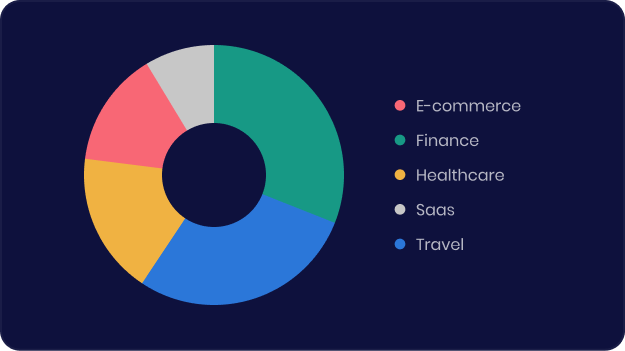
Agencies & Portfolios
Visualize skill breakdowns, budget allocation, or project stats.
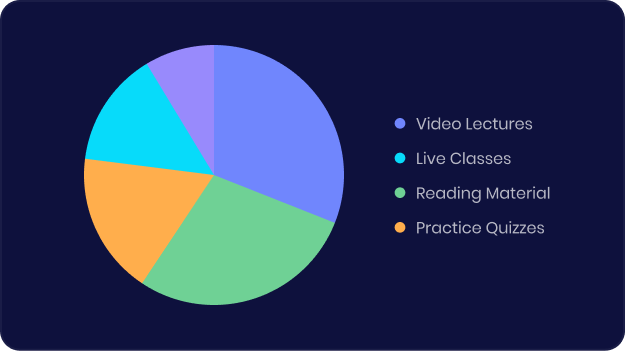
E-commerce Sites
Showing product comparison stats or seasonal sales trends
Educational Sites
Displaying survey results or impact data.
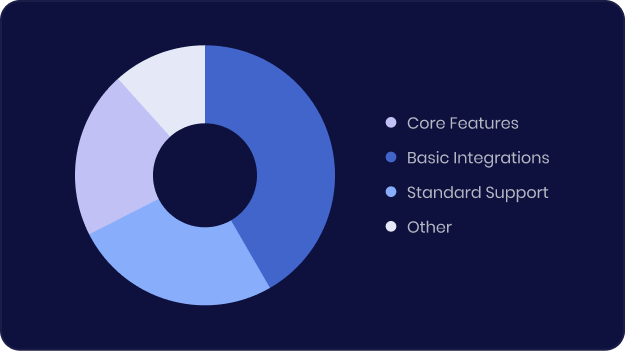
SAAS Sites
Comparing plan features or usage tiers.
Frequently Asked Questions
Can I switch between Pie and Doughnut styles?
Yes. Choose Pie or Doughnut from the Chart Type dropdown in the Content tab — your data carries over automatically.
Can I control the size of the doughnut's center hole?
Yes. The Cutout (Hole Size) setting lets you set exactly how large or small the center hole is, from a thin ring to a bold doughnut.
Can I add space between chart segments?
Yes. Arc Spacing (pixels) applies a fixed offset between every segment, for a clean exploded or minimalist look.
Does the chart support hover interactions?
Yes. Hover Offset and Offset (pixels) let each segment shift on hover, and you can set a separate Background Hover Color and Border Hover Color per segment.
Does the widget animate when it loads?
Yes. Turn on Animate Rotation and/or Animate Scale, set your own Animation Duration, and choose from 8 easing styles including Bounce and Circ variants.
Do I need Xpro Pro to use this widget?
Yes. The Pie & Donut Chart widget is part of Xpro Pro, available with any XPro paid plan. The pricing page has the current plans and pricing.