






Xpro Addons

Pro Widget

Elementor Coupon Code Widget

With this addon, you can showcase your skills or statistical information of your company in an eye-catchy manner.

Let Your Customers Score Big Savings With These Exclusive Coupon Codes

Give shoppers a discount code they can copy and use in one click — styled to match any sale, from flash deals to seasonal campaigns.

20 November - 1 December 2026
*Terms & Conditions apply

Xprodeal2026
COPIED
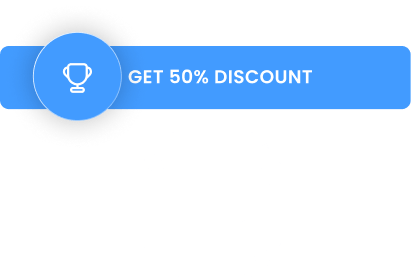
GET 50% DISCOUNT COPIED

Use Multiple Styles Of Coupon Code Layouts In Your Site

Run the same offer in standalone cards, a coupon carousel, or product-style boxes — one widget, three presentation styles.

GET 50% DISCOUNT
COPIED
Xprodeal2026 COPIED
Xprodeal2026
COPIED
GET 50% DISCOUNT COPIED
GET 50% DISCOUNT
COPIED
Xprodeal2023 COPIED
qwerty1452
COPIED
50% DISCOUNT COPIED

Create Your Coupons With Custom Content

Type your real campaign details — code, discount, and validity dates — and the widget handles the copy button and styling.

Display Your Coupon Codes In A Carousel

Line up several offers in one carousel so visitors can browse every deal you are running this season.

Sale

Trail Runner Jacket

Featherweight coverage for cold-weather runs — copy the code, save at checkout.

Discount 50%
COPIED
XPRODEAL2022 COPIED
Sale

Alpine Fleece Hoodie

Mid-layer warmth that packs flat — use the code for your seasonal discount.

Discount 50%
COPIED
XPRODEAL2022 COPIED
Sale

Camp Dome Tent 2P

Set up fast, pack faster. Seasonal savings apply with the displayed code.

Discount 50%
COPIED
XPRODEAL2022 COPIED

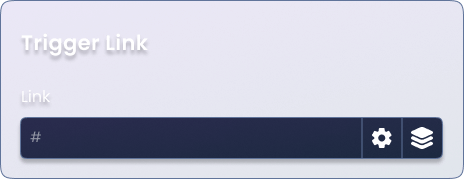
Turn On The Trigger Link Option Of Your Coupon Code

Prefer a subtle approach? A trigger link reveals the code only when clicked — perfect for inline text and email-style placements.

Use Icons From Library Or Upload Yours With Text If Needed

Add a gift tag, percent badge, or your own uploaded icon beside the code for instant visual context.

Display Your Coupon Codes in a Cool Product Layout

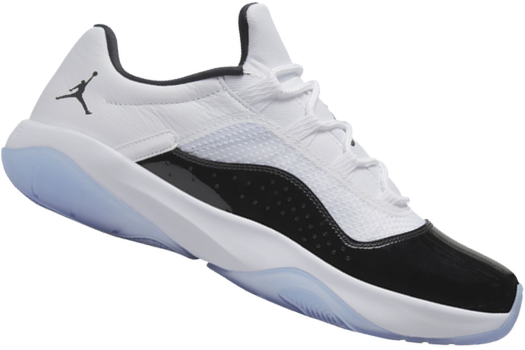
Wrap each coupon inside a product-style box — image, title, and code together, like a deal card built for activity pages.

Sports Edition

Match the demo to your catalog — coupon, image, and sizes side by side, ready for team-store and activity-page offers.

  • Size:
  • 7
  • 8
  • 9
  • 10
  • 11
  • Color:
Xprodeal2026
COPIED
GET 50% DISCOUNT COPIED

November 20 – December 1, 2026
*Terms & Conditions apply

Explore Our Other Cool Widgets

Take your website to the next level using Pro’s powerful widgets.

Our Blogs

Discover The Latest From Xpro Elementor Blogs

12_ways_to_Boost_Conversion_using_Elementor_Modal_Popup_3

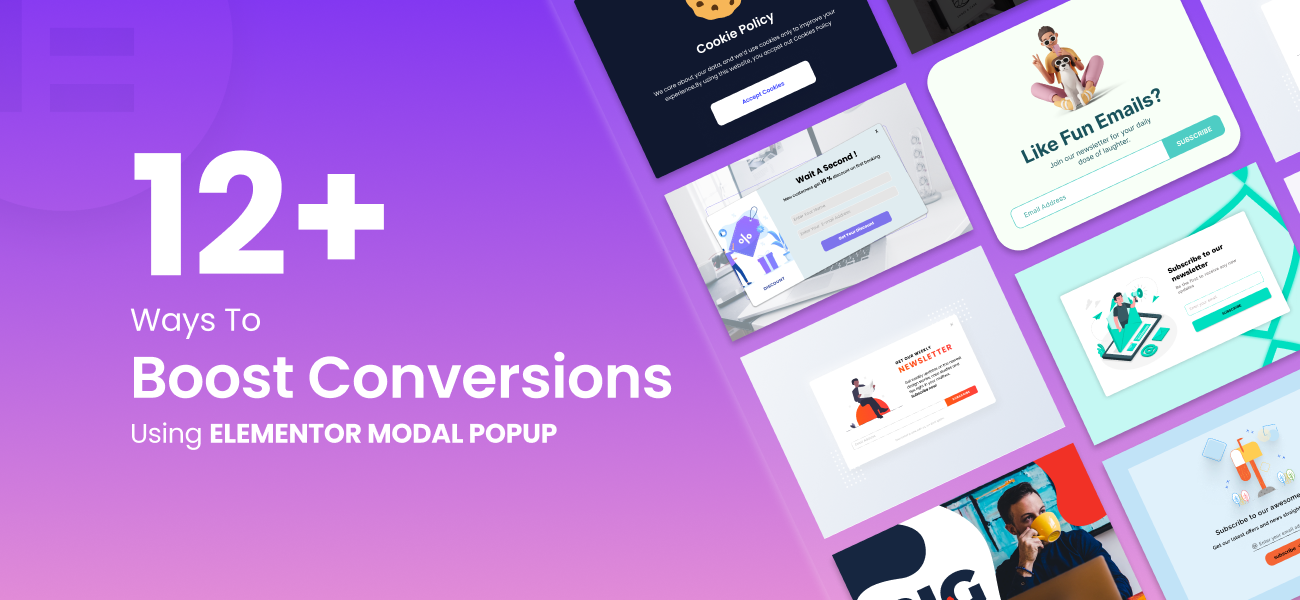
12+ ways to Boost Conversion using Elementor Modal Popup

Introduction:  Pop-ups can be frustrating, especially when they appear unexpectedly during our online browsing or while reading an article. Just as we’re engaged in...

Read More
author-avatar
Posted By Makashfa Minal

Download 150+ Addons & Start Creating Amazing Websites

40,000+ Happy Customers, Happy Agencies, Happy Freelancers Build Beautiful Websites Using Xpro Elementor Addons

Have Any Doubt?

Frequently Asked Questions

What does the Xpro Coupon Code widget do?

It displays an exclusive coupon code with a copy button, so visitors can grab your discount code in one click and use it on your store.

How many ways can I display a coupon code?

You can show coupons as styled standalone cards, in a carousel of multiple offers, inside a product-style box layout, or through a trigger link that reveals the code.

Can I create my own coupon content?

Yes. Every coupon box takes custom content — your own code, discount value, and validity dates — so the offer text matches your actual campaign.

Can I customize the coupon design?

The widget gives you full design control over the coupon layout, and you can use icons from the built-in library or upload your own alongside the text.