Xpro Addons

Pro Widget

Elementor Advanced Accordion Widget

The Advanced Accordion widget gives Elementor what the built-in one doesn't: any widget inside any panel — images, forms, sliders, even nested accordions — with layout switching between accordion and toggle behavior, per-state styling for normal, hover, and active tabs, and dynamic content support. Included in Xpro Elementor Addons Pro.

About Us

Edit Content

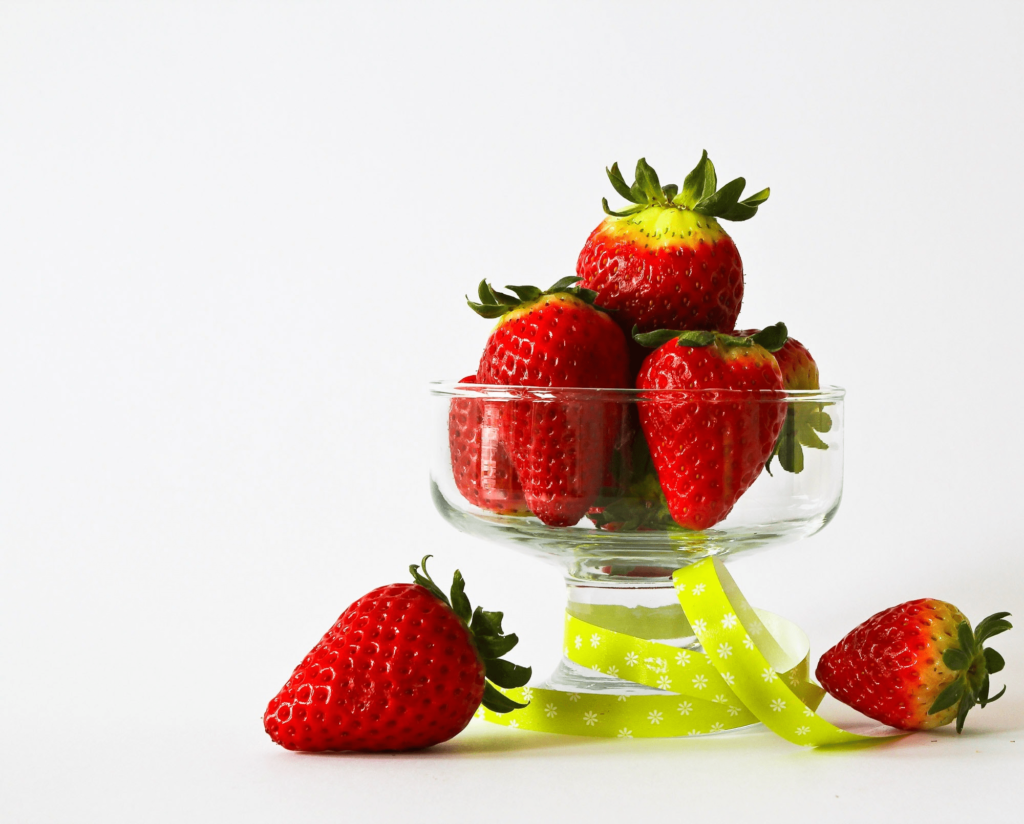
Seasonal fruit, sourced within 40 miles of our market

Pick up the week’s harvest or have it delivered the same day.

Purchase From Us

Edit Content

Purchase From Us panel

Order by noon for same-day delivery, or reserve online for weekend pickup at any market stand.

Accordion or Toggle — One Widget

Flip the Layout control between classic accordion and compact toggle behavior, then decide whether one panel or several stay open at once. Same data, two reading patterns — pick per page.

Set Layout To Accordion

Display any content to your visitors in the most beautiful way using accordion widget layout.

Do I need coding knowledge for this layout?

No. Every panel, tab, and style setting is configured from Elementor's sidebar — no custom CSS required.

Can I put a form inside an accordion panel?

Yes — panels accept any widget, including forms, maps, galleries, and even another accordion nested inside.

Will it work on mobile?

Yes, with responsive controls for sizes, spacing, and alignment so panels stay readable on every screen.

Can I control whether several panels stay open?

Yes — one setting decides it: closing one panel can open another, or multiple panels can stay open side by side.

Can each panel title carry an icon or image?

Yes — media per tab with independent size controls, so every panel gets its own visual anchor.

Can I reorder or add panels later?

Drag to reorder, click to add — panels behave like any Elementor repeater, so restructuring takes seconds.

Set Layout To Toggle

Save up useful space by showcasing your dynamic content in toggle layout.

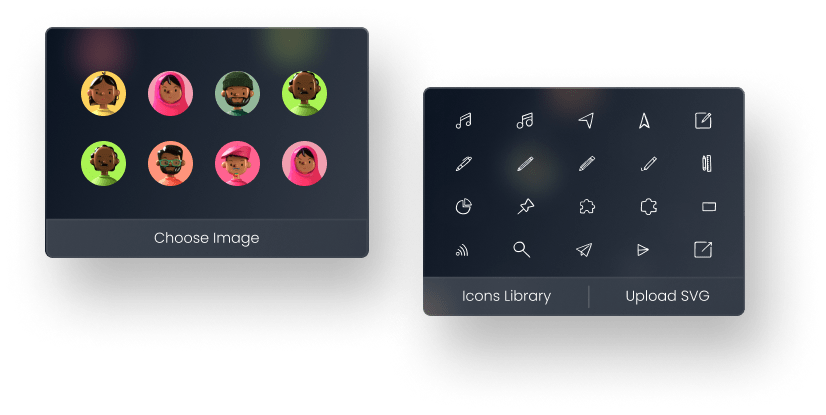
Add Exciting Icons & Images To Your Elementor Accordions

Attach an icon or image to any tab, with independent size and spacing controls — visual anchors that make skimmable pages scannable.


The Most Beautiful Way To Showcase Your Accordions

Every panel layer styles independently: tab list and content area get separate typography, colors, spacing — with distinct normal, hover, and active states so the open panel visibly wins.

Core & Stability

Stability ball backbend — opens the chest and strengthens the core. Hold for 30 seconds with steady breathing, then repeat three times.

Warm-Up & Stretch

Begin every session with five minutes of light stretching to loosen the hips and shoulders — your workout starts here.

Amazing Elementor Accordion Toggle with Just One Click

Leverage our premium Elementor accordion widget to showcase your content in nested accordion with lots of features and styling options.

  • Dynamic Content

    Pipe in titles and panels via Elementor dynamic tags — one template, per-post accordions.

  • Style Any Widget

    Because panels accept any widget, your styling applies to whatever lives inside them.

  • Add Icons & Images

    Media per tab with full size control — decorative or functional.

  • Customize Colors & Border

    Borders, radius, and shadow per tab and per state — no CSS.
Customize Accordion Widget The Way You Want

Showcase content in the info box, add FAQs, team, or any other widget using dynamic source feature.

Set The Content Alignment To Match Design Goals

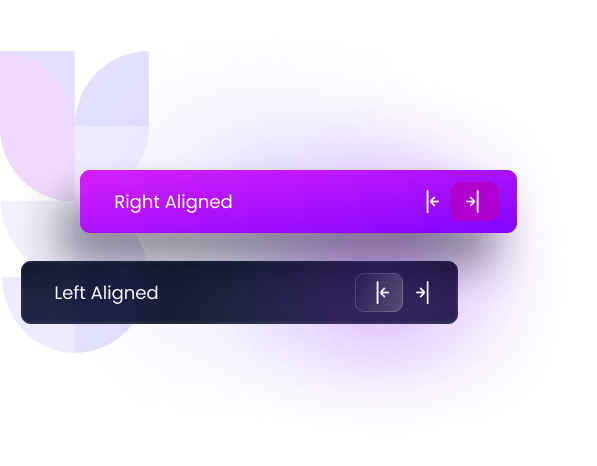
Left, center, or right alignment for tab content, applied globally in seconds.

advanced accordion elementor

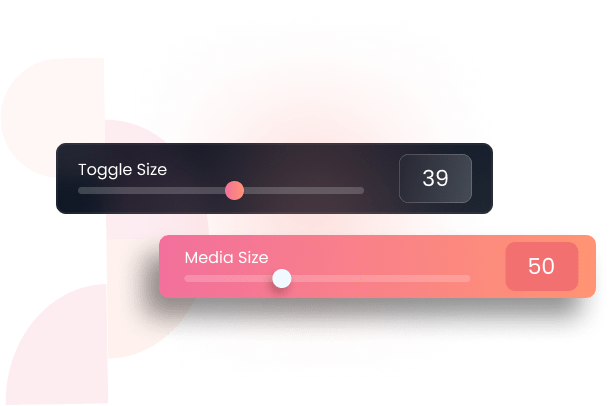
Set Media & Toggle Size to Add a Unique Factor

Independent size controls for icons, images, and toggle arrows keep density on your terms.

Add An Attractive Nested Accordion To Your Website

Drop an accordion inside an accordion panel — multi-level FAQ trees that stay tidy on mobile.

Can I use it for a FAQ section?

Yes — panels are the cleanest FAQ pattern: questions at a glance, answers one click away, with full typography control.

Can I control what happens when a panel opens?

Yes — decide whether opening one panel closes the others, and style normal, hover, and active states separately.

Will it match a dark or light design?

Both — colors, borders, radius, and shadow are set per state, so the widget fits any brand system.

Tab Content Design: Alignment, Typography & Color


Content Alignment

Align tab content left, center, or right to match the rhythm of your page layout.


Typography

Full control over font, size, weight, color, and style for tab content.


Colors

Color every state — normal, hover, and active — with media styling to match.

Design-Grade Control, Widget for Widget

The complete & only accordion widget for Elementor you would ever need.

  • Dynamic Content Option

  • Styling for Normal, Hover, Active State

  • Separate Styling for List & Tab Content

  • Customize Border, Radius, and Shadow

  • Fully Customize Fonts & Typography

Research

Edit Content

Research

The first step is always the discovery process where we interact with the clients and understand their needs by asking simple questions. This also involves outlining a business needs for the app and the pain points it can solve, identifying user needs, and audience research.

Design & Development

Edit Content

Research

The first step is always the discovery process where we interact with the clients and understand their needs by asking simple questions. This also involves outlining a business needs for the app and the pain points it can solve, identifying user needs, and audience research.

Testing & QA

Edit Content

Research

The first step is always the discovery process where we interact with the clients and understand their needs by asking simple questions. This also involves outlining a business needs for the app and the pain points it can solve, identifying user needs, and audience research.

Get Help From Our General Knowledge Base

What is an advanced Accordion Elementor widget?

An accordion widget is a collapsible menu on websites. It shows titles that expand to reveal more information when clicked. This saves space and helps users find specific details easily. It's like an FAQ section where questions are titles and answers are hidden content.

If you're using Elementor to build your website, the Xpro Advanced Accordion Widget offers a powerful way to create these interactive elements.

How do I add the Advanced Accordion Widget to my Elementor page?

To add the Advanced Accordion Widget to your Elementor page:

  • Open your Elementor editor.
  • Search for "Advanced Accordion" in the widget panel.
  • Drag and drop the widget into your desired section.
  • Customize the content and settings as needed.

For more details, you can visit our documentation on How to install the Xpro Advance Accordion Widget for Elementor.

Why should I use the Advanced Accordion Elementor Widget on my website?

Using the Advanced Accordion elementor Widget helps to organize content in a clean, user-friendly manner. It improves the overall user experience, especially on mobile devices. They are good for FAQS pages, menu sections on homepages, and more

Is it possible to have multiple accordions open at the same time?

Yes, it's possible to configure the Advanced Accordion elementor widget to have multiple accordion items open simultaneously or to allow only one to be open at a time. You can adjust this setting based on your preferences and the layout of your webpage. For more information on how to customize the Advanced Accordion Widget, you can visit the Xpro Advanced Accordion Widget for Elementor.

Our Blogs

Discover The Latest From Xpro Elementor Blogs

Best_Image_Scroll_Widgets_For_Elementor

7 Best Image Scroll Widget For Elementor – [Tested & Compared]

If you are looking for the best image scroll widget for elementor to showcase stunning landscapes, designs, templates, portfolios, product images, or long web...

Read More
author-avatar
Posted By Makashfa Minal

Download 150+ Addons & Start Creating Amazing Websites

40,000+ Happy Customers, Happy Agencies, Happy Freelancers Build Beautiful Websites Using Xpro Elementor Addons