Elementor Scroll Effects — Rotate, Fade & Scale on Scroll
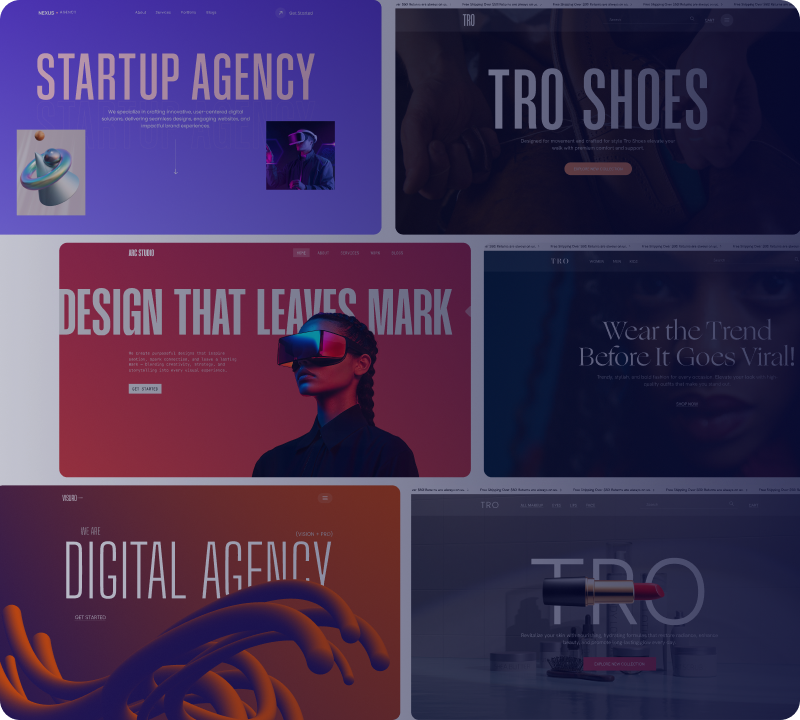
Xpro Scroll Effect is a premium Elementor extension that triggers animations as visitors scroll down the page, turning static sections into scroll-based transitions with full control over speed and direction.
Rotate On Scroll
Rotate elements into position as the page scrolls.
Xpro Entrance Animation reveals elements with mask-style transitions as they enter the viewport, adding a polished first impression to any Elementor page.
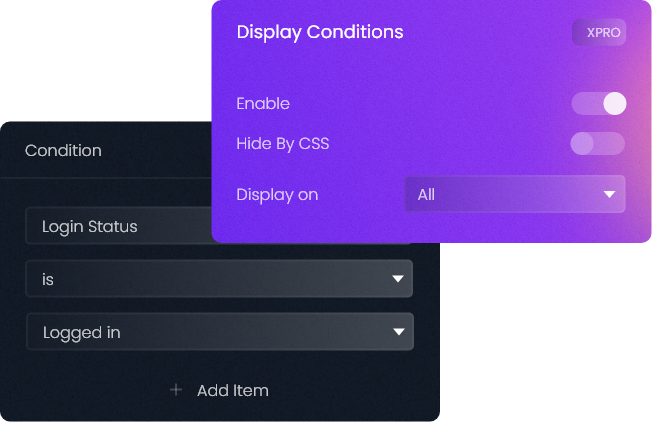
Elementor Display Conditions — Show or Hide Content by Rule
Xpro Display Condition is an Elementor extension that hides or reveals sections, widgets, and columns based on rules you set — device, user role, date, login status, and more — with no coding needed.
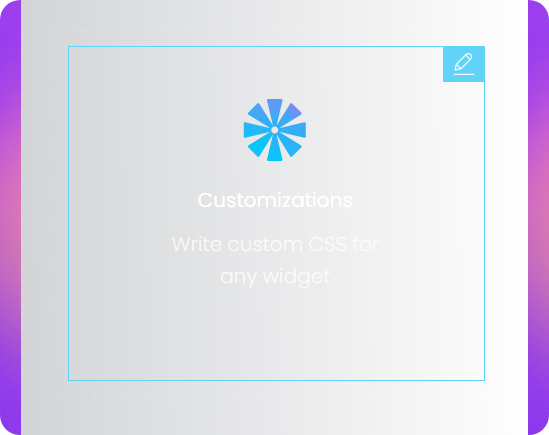
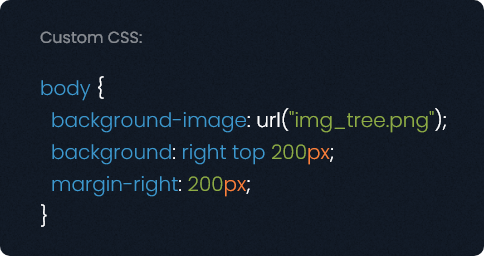
Xpro Custom CSS lets you write custom CSS directly on any widget, section, or column inside the Elementor editor — completely free, with no need to upgrade to Elementor Pro.
Elementor Background Parallax Extension for Interactive Backgrounds
Xpro Background Parallax adds depth-based motion to section backgrounds as visitors scroll, turning static backgrounds into an interactive, attention-grabbing element.
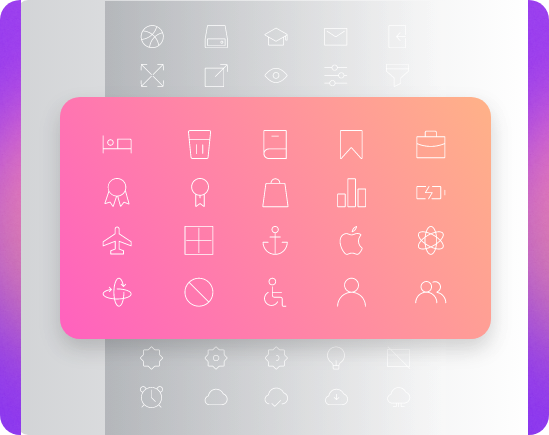
A hand-drawn library of 300+ line icons built for Elementor. Add, edit, and customize icons directly in the editor — free, with no external plugin needed.
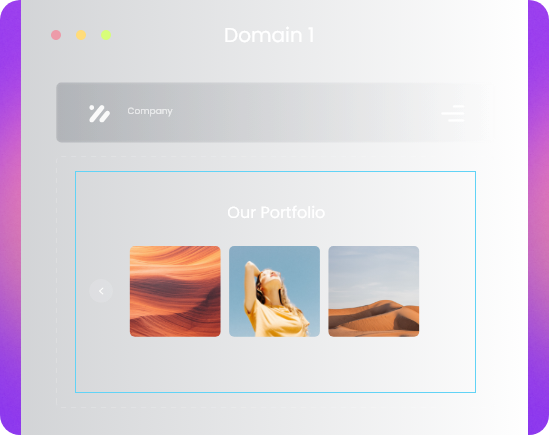
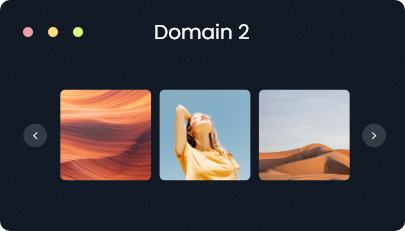
Xpro Cross-Domain Copy/Paste is a premium Elementor extension that copies sections, widgets, and full layouts from one WordPress site and pastes them directly onto another — in two clicks, no export/import files needed.
Free Glassmorphism Effect for Elementor (Backdrop Filter)
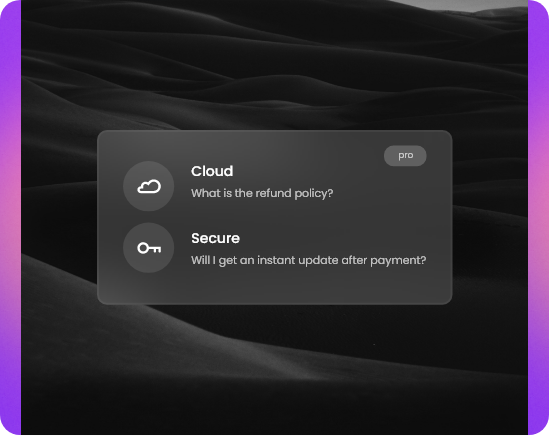
Xpro Backdrop Filter adds glassmorphism-style effects — blur, hue, and saturation — to background images and sections, free, right from the Elementor editor.
Integrate Seamlessly with ACF & Build Dynamic Elementor Websites
Pro
Advanced Custom Fields (ACF) for Elementor
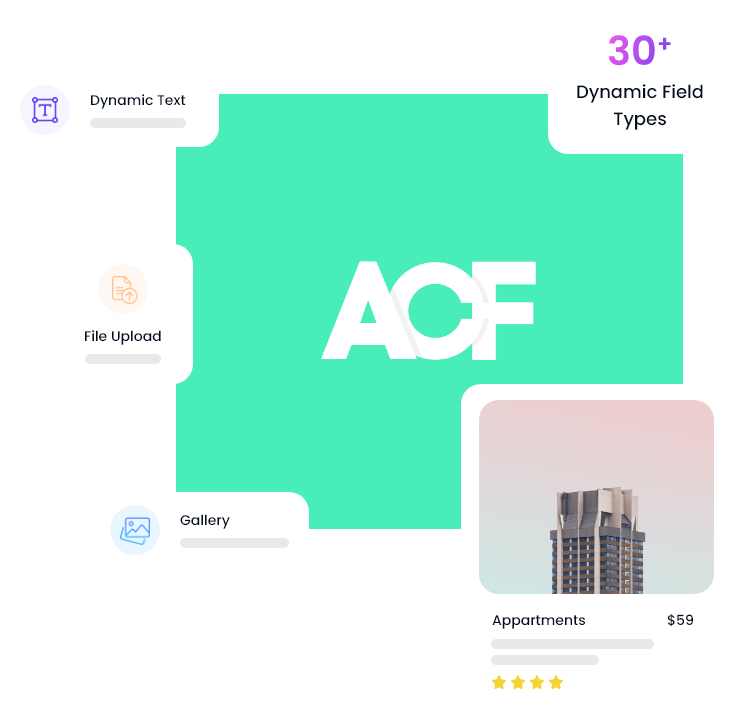
Xpro ACF Dynamic Tags connect Advanced Custom Fields to Elementor, so you can pull custom field data into any widget without code. Add custom WordPress fields anywhere on demand and display them site-wide in seconds.
Post Dynamic Tags for Elementor — Fully Personalized Pages
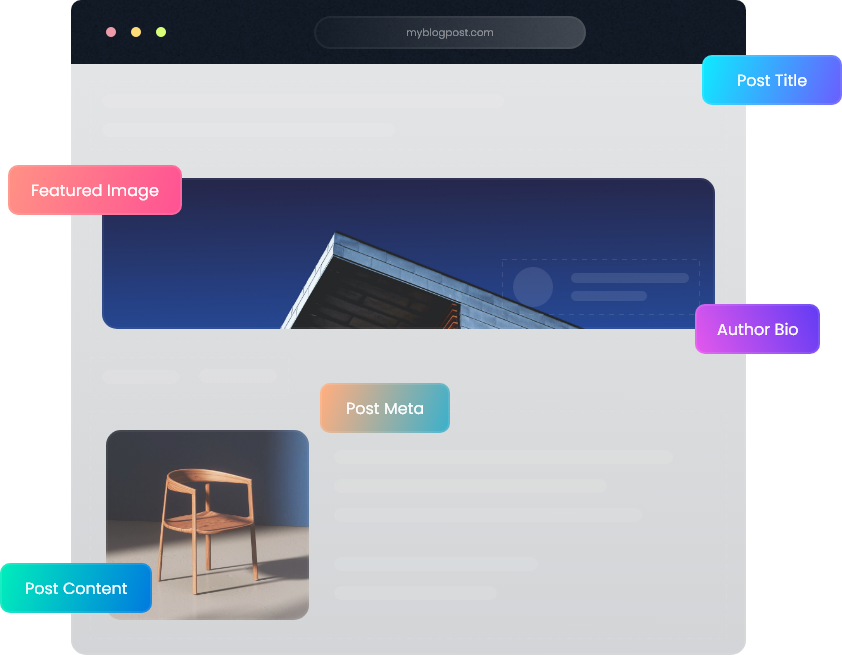
Xpro Post Dynamic Tags let you place dynamic post content inside any Elementor widget, so single pages populate automatically instead of being built one-by-one. Use it to design fully personalized templates for every post on your site.
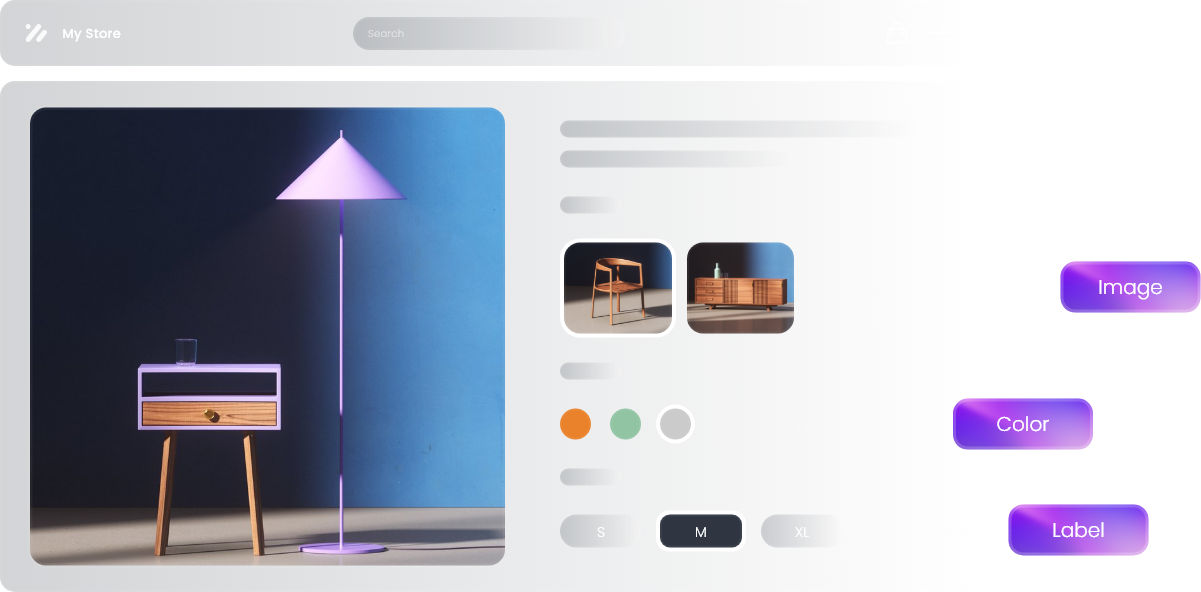
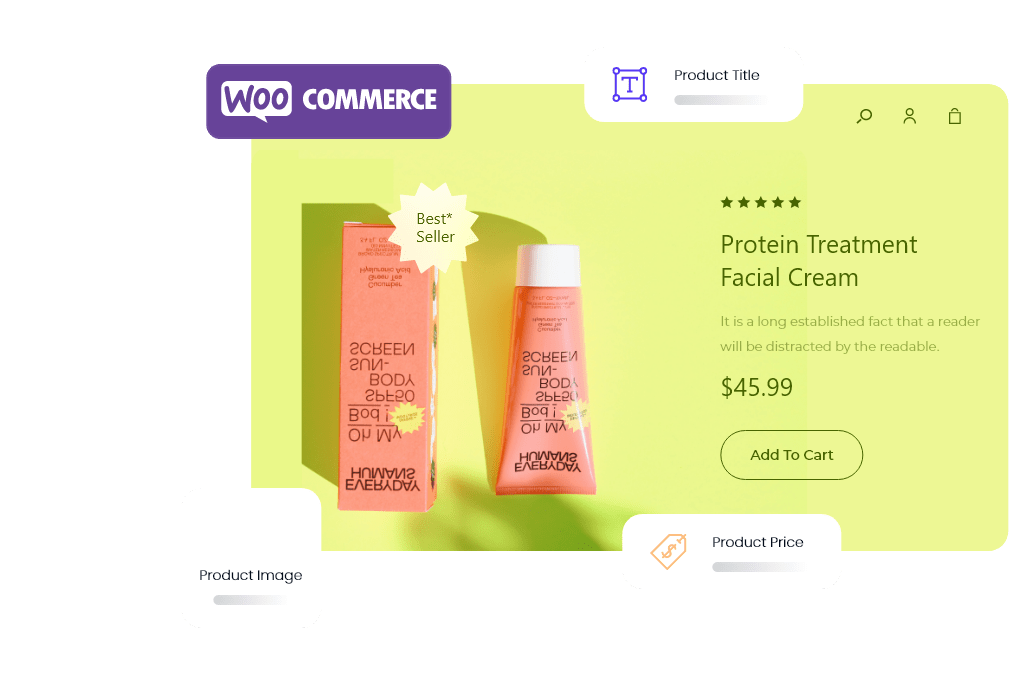
Xpro Woo Dynamic pulls live product data — price, rating, SKU, and more — straight from the backend into any Elementor widget, so product content stays accurate without manual edits.
Free Elementor Reading Progress Bar for Blog Posts
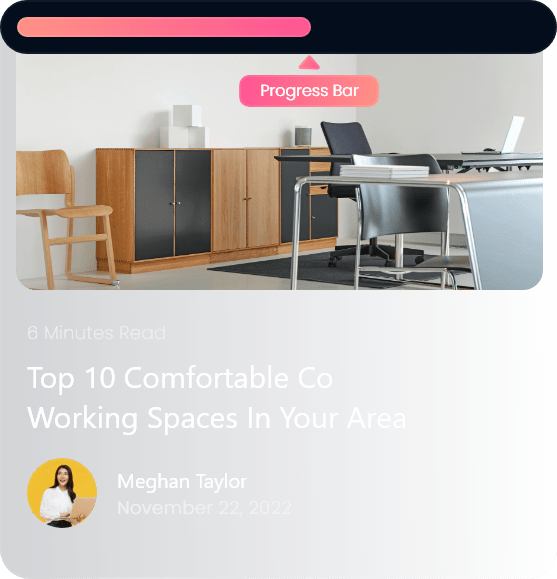
Xpro Progress Bar adds a reading-progress indicator to blog posts, so visitors can track how far they are through your content. Free, and easy to enable from the Elementor editor.
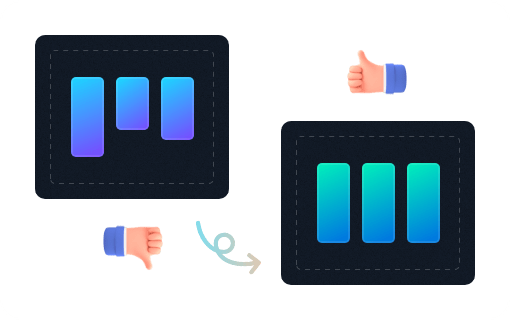
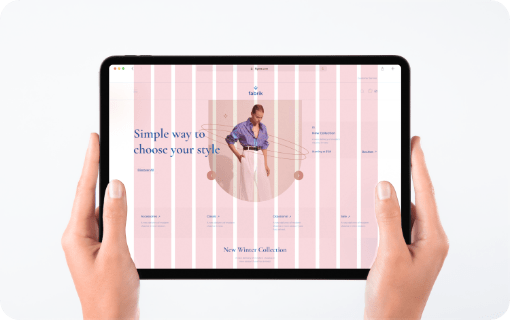
Fine-tune element size and spacing inside Elementor's grid.
FAQs
Frequently Asked Questions
Are Xpro Elementor extensions free?
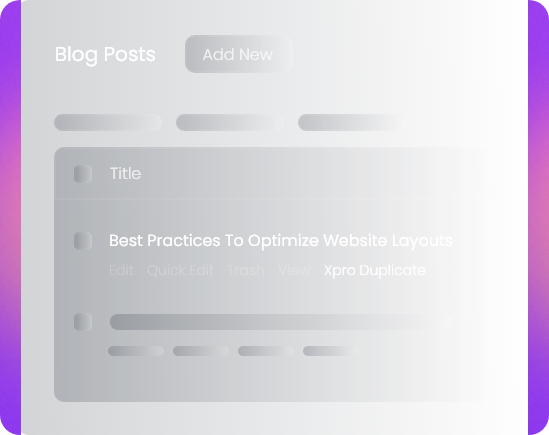
Yes. Xpro offers 10+ free extensions — including Floating Effect, Custom CSS, Post Duplicator, Backdrop Filter, and Xpro Icons — that work on the free version of Elementor with no Elementor Pro license required.
How does Cross-Domain Copy/Paste work in Elementor?
Copy any section, widget, or layout in the Elementor editor, then paste it directly into a different WordPress site's editor in two clicks — no export/import files, no manual rebuilding.
Can I set display conditions in Elementor without Elementor Pro?
Yes, with Xpro Display Condition. It lets you show or hide sections, widgets, and columns based on rules like device type, user role, login status, or date — independent of Elementor Pro's own conditions feature.
How do I add custom CSS in the free version of Elementor?
Install Xpro Custom CSS, then open any widget, section, or column's Advanced tab in the Elementor editor — a Custom CSS field appears there, free, with no Pro upgrade needed.
How do I add 3D parallax or tilt effects to Elementor elements?
Add Xpro 3D Tilt Parallax to a section or widget, then enable Mouse Track or 3D Tilt in its settings — the element will tilt or shift as visitors move their cursor over it.
Do Xpro extensions slow down my website?
No. Extensions load only their required assets on pages where they're actually used, so enabling a feature like Floating Effect or Mouse Effect doesn't add weight to pages that don't use it.